What an API is and why your ERP vendor keeps mentioning it
An API is the door through which one program lets another request or deliver data, under fixed rules. It is what lets two programs talk without anyone copying anything by hand.
1A service counter with rules
Think of a public office counter: you cannot walk into the back office or open the filing cabinets, but you can hand in a form with the fields they ask for and get an answer. An API works the same way. The management software does not let anyone touch its database; it publishes what can be requested (give me today’s new customers) and what can be delivered (create this invoice with these lines), and checks who is asking with a key.
2Examples with management software
An online shop selling to trade customers receives an order at eleven at night. With an API, the order arrives in the management software as a sales document with its customer and lines, and the warehouse has it first thing. Without one, someone types it in again.
Other common uses: a job-sheet app that creates the invoice when the job is closed; a dashboard that reads sales and payments every hour; a supplier-invoice reader that leaves the invoice as a draft for a person to approve.
3API or exporting files
Exporting an Excel or CSV file and importing it elsewhere also moves data, and sometimes that is enough. The difference is that a person produces and loads the file, when they remember, and nothing warns you if a column moves. An API is used without intervention, record by record, and replies if something could not be saved. For an initial load, a file; for day-to-day work, the API where there is one.
4What to ask your ERP vendor
Answers vary widely between products. For example, according to each vendor’s documentation, Holded does not offer its API on the free plan, the a3innuva APIs require the Conectia module and Sage documents an API for Sage 200, while for Sage 50 it depends on the version. We go into detail on each integration page.
- Is there a documented, public API, and for which version or edition of my software?
- Is it included in my plan or licence, or do I need to buy something extra?
- Can it write as well as read, for instance create orders or invoices?
- Who creates the access key and what permissions will it have?
- Do you give notice before changing the API, and what usage limits apply?
5Software that talks through APIs
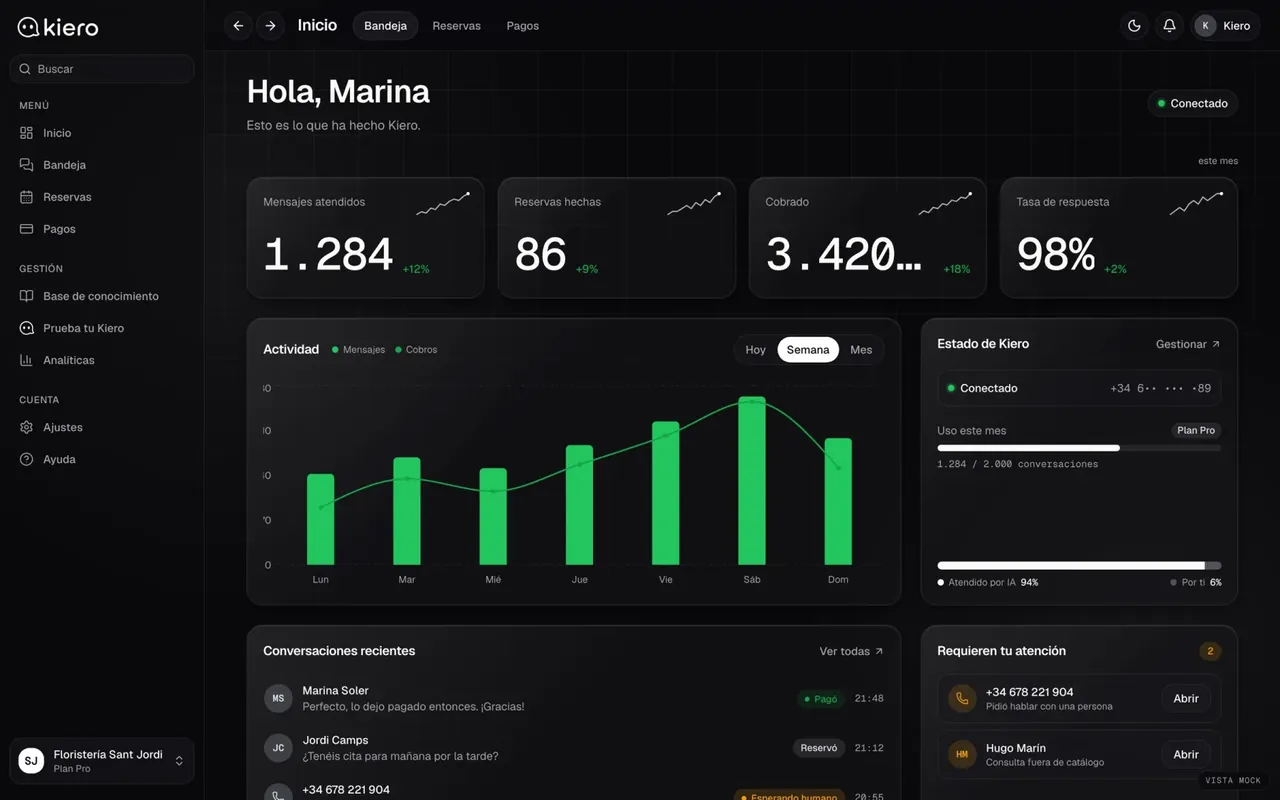
Kiero
An AI employee on the business’s WhatsApp
Kiero relies on the WhatsApp and Stripe Connect APIs: the customer conversation, the appointment in the diary and the payment move from one system to another without the business copying anything. Live at kiero.es.
Live at kiero.es
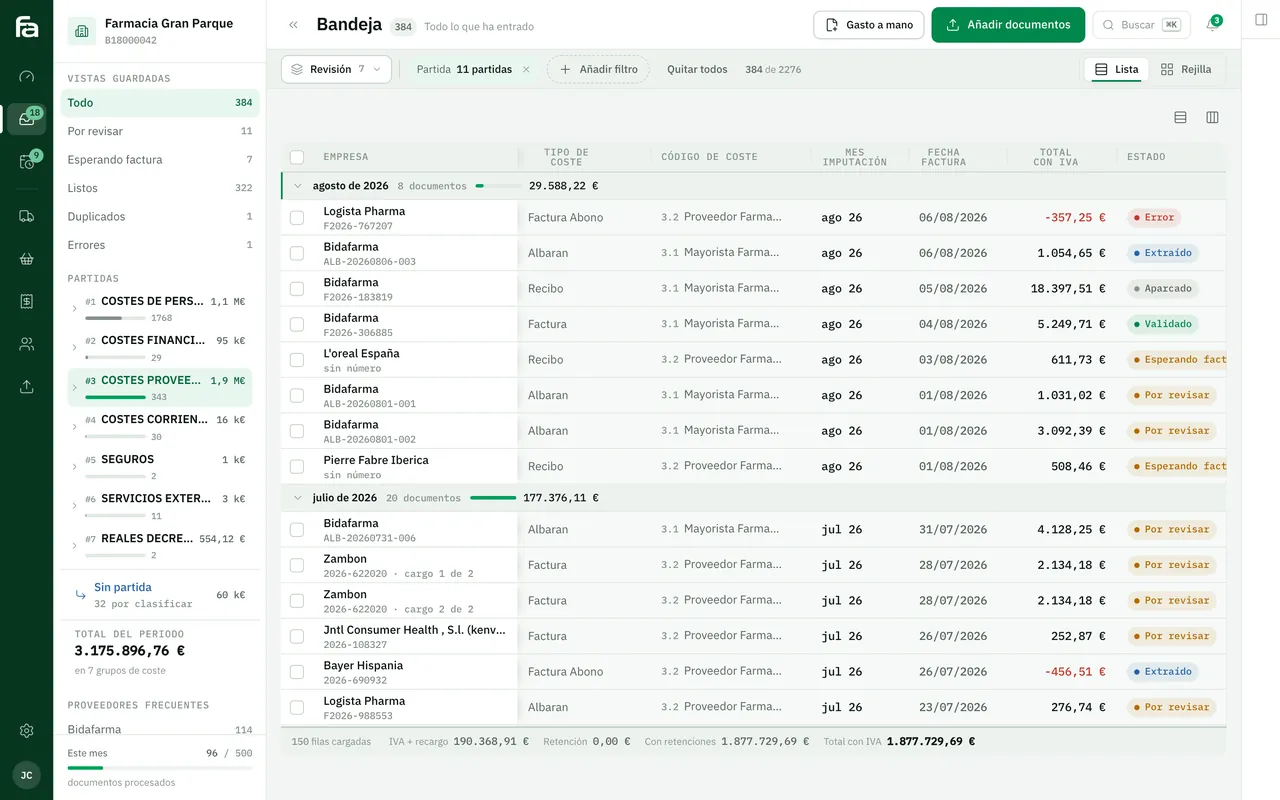
Farmacta
A pharmacy’s back office, built on its paperwork
The opposite case: wholesalers and laboratories send delivery notes and invoices as PDFs, with no API to query. Farmacta reads them and leaves the data ready for review. In use at its first pharmacy.
In use at its first pharmacy
6Frequently asked questions
Does having an API mean the connection is simple?
No. It means it is possible through an orderly route. You still have to decide what data moves, in which direction and what happens when something does not match.
Is it safe to open up an API on my software?
Yes, if the key has only the permissions it needs, is stored properly and can be revoked. Ask for a key dedicated to each integration, never a user’s own.
My software has no API. What are the options?
Import and export files the software accepts, third-party connectors or, with the agreement of whoever maintains it, reading its database. Each carries its own risks.
What is a webhook?
The reverse notice: instead of asking every so often whether there is anything new, one program tells the other when something happens. It has its own glossary entry.
Do you know whether your software has an API?
Tell us which software and edition you use and which piece of data is typed twice. We will tell you which connection route is possible before discussing anything else.
Tell us your problem