Property management software: incidents and invoices
A property management office looks after hundreds of residents and dozens of contractors with the same team as ever. We build the system that logs each incident, follows it until it is closed and organises the invoices it produces.
1How it works today
One resident reports a leak by phone, another emails about the lift and a third sends a photo by WhatsApp to the manager’s mobile. Each report is noted down however possible, the plumber or the lift company is called, and everyone waits for someone to say it is fixed.
Weeks later the contractor’s invoice arrives, and it has to be assigned to the right building, checked against what was ordered and entered in the accounts.
2Where the time goes
In the back and forth of information:
- Residents asking several times about the same incident because they do not know where it stands.
- Reports arriving through different channels and getting duplicated or lost.
- Contractors who have to be chased to find out whether they have been yet.
- Invoices typed in by hand and split between buildings one at a time.
3What we build
A single way in through WhatsApp: the resident writes, the assistant identifies the building, asks for what is needed, such as the location or a photo, and opens the incident. From then on the resident can ask about its status and get an answer at once, without taking up anyone’s time in the office.
In the office, each incident has its own record: building, assigned contractor, dates and photos. When the contractor’s invoice arrives as a PDF, the system reads it, extracts the data, links it to the incident and the building and leaves it ready for review before it goes to the accounts.
4What stays with the office
The assistant collects and informs; it does not decide. Which contractor is called, which work is approved and what goes to the owners’ meeting is decided by a person in the office, who can also take over any conversation with a resident when needed.
Invoices are not accepted on their own either: the system flags what does not match and a person reviews it.
5Where to start
There is no need to build everything at once. Usually we start with the part that takes up most of your hours today, whether that is logging incidents or entering invoices, and roll it out with a few buildings. Once it works with your real data and your team is satisfied with it, it is extended to the rest and the next part is added.
6Where it comes from
Kiero
An AI employee on the business’s WhatsApp
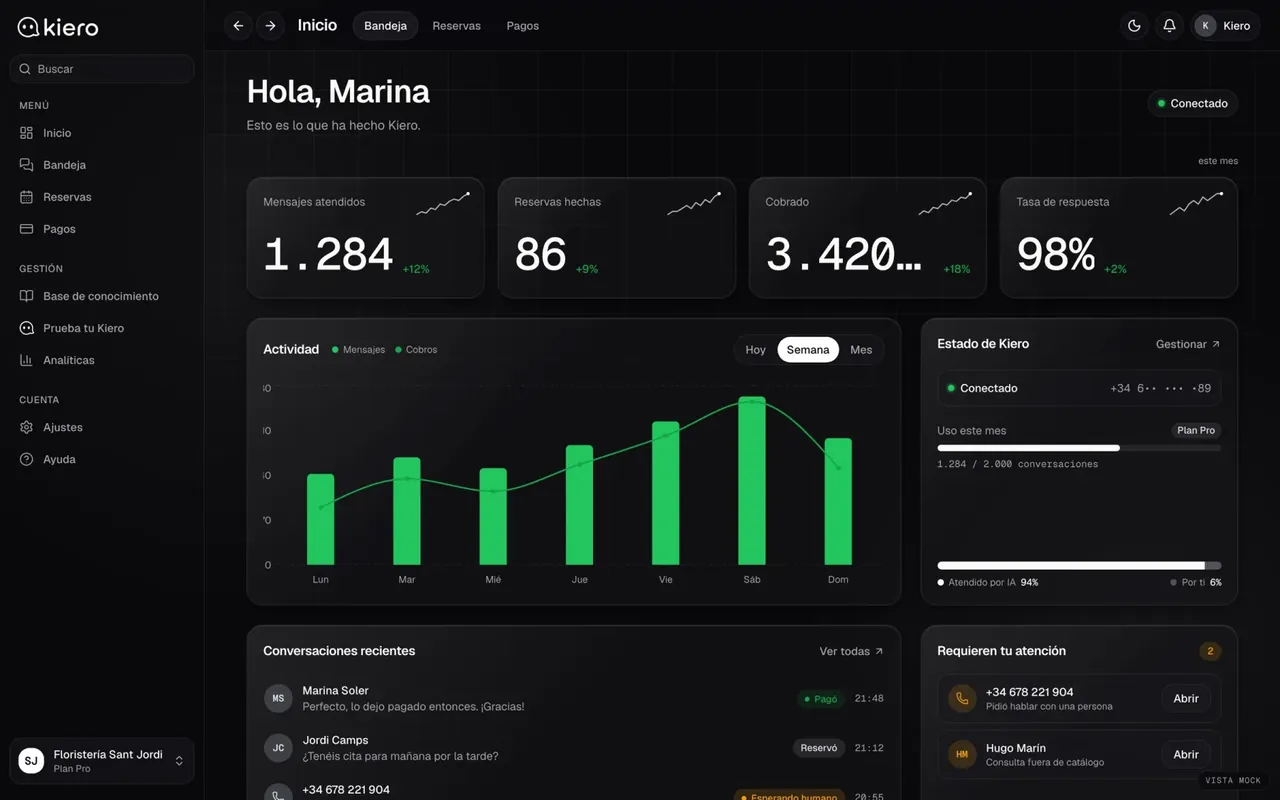
We do not yet have a published property management client. The WhatsApp channel is already built: Kiero is an AI employee that answers on WhatsApp with each business’s information and hands over to a person whatever needs one. It is live at kiero.es.
Live at kiero.es
Farmacta
A pharmacy’s back office, built on its paperwork
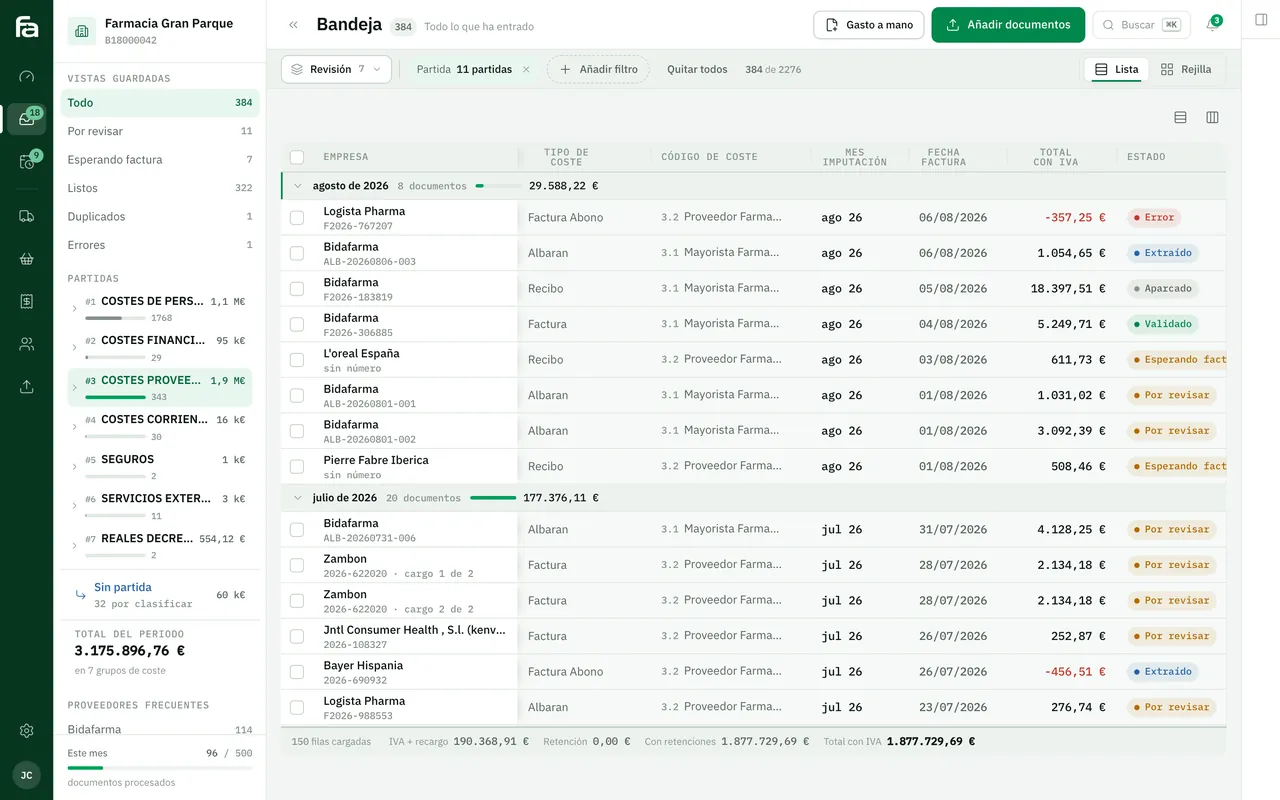
So is invoice reading: Farmacta reads a pharmacy’s supplier delivery notes and invoices as PDFs, extracts the data and leaves it ready for review. It is in use at its first pharmacy.
In use at its first pharmacy
7Frequently asked questions
Do residents have to install anything?
No. They write on WhatsApp, as they already do. The office system is a website that only your team can access.
Does it connect to the property management software we already use?
If that software allows data to be exchanged, yes. We check during the diagnosis and, if it is not possible, explain the alternatives.
What about an urgent incident out of hours?
The assistant logs it at any hour and can alert whoever you choose. Your office sets the rules for what counts as urgent.
How much does it cost and how long does it take?
We do not publish prices or timelines. We give you fixed figures after the diagnosis.
Tell us how incidents reach you today
From that we can tell you which part of the work can run on its own and which cannot.
Tell us your problem