Work order software for manufacturing and workshops, from intake to invoice
In a workshop, the information about each job is split between a sheet of paper on the bench, a spreadsheet and the foreman’s memory. We build the system that brings it together and follows it from the moment the job comes in until it is invoiced.
1How it works today
A job comes in by phone, by email or in person. Someone writes it down and passes it to the shop floor. During the work, parts and hours are used and noted on a paper job sheet, when they are noted at all. At the end, someone else has to reconstruct what was done in order to invoice it.
Meanwhile the customer calls to ask how their order is going, and nobody knows without walking over to ask.
2Where the money goes
Rarely in one big mistake, usually in many small ones:
- Hours worked that never reach the invoice because the job sheet was lost or filled in from memory.
- Parts used and not deducted from stock, until they run out.
- Priorities that change by word of mouth and are never written down.
- Office time spent copying data from paper into a program.
3What we build
A work order system made to fit your workshop. Each job has its order, with the customer, what is requested, who does it, the parts, the hours and its status. On the shop floor it is updated from a phone or tablet in a few taps; in the office everything is visible on one screen.
When the job is finished, the order already holds what is needed to invoice. If you use an invoicing or management program, the system passes it the data instead of someone typing it again.
Wherever there are documents that are typed in by hand today, such as supplier delivery notes or orders arriving as PDFs, we add AI that reads them and leaves the data ready for review.
4How we do it and what you decide
We start on the shop floor, not in the office: we see how the work is really done and what each person is willing to record. A system the operators do not use is no use. We build in short phases, each one tested on real jobs and approved by you before the next begins.
Decisions stay with your team: what goes first, what is quoted and what is invoiced. The system records and alerts; it decides for nobody.
5Where it comes from
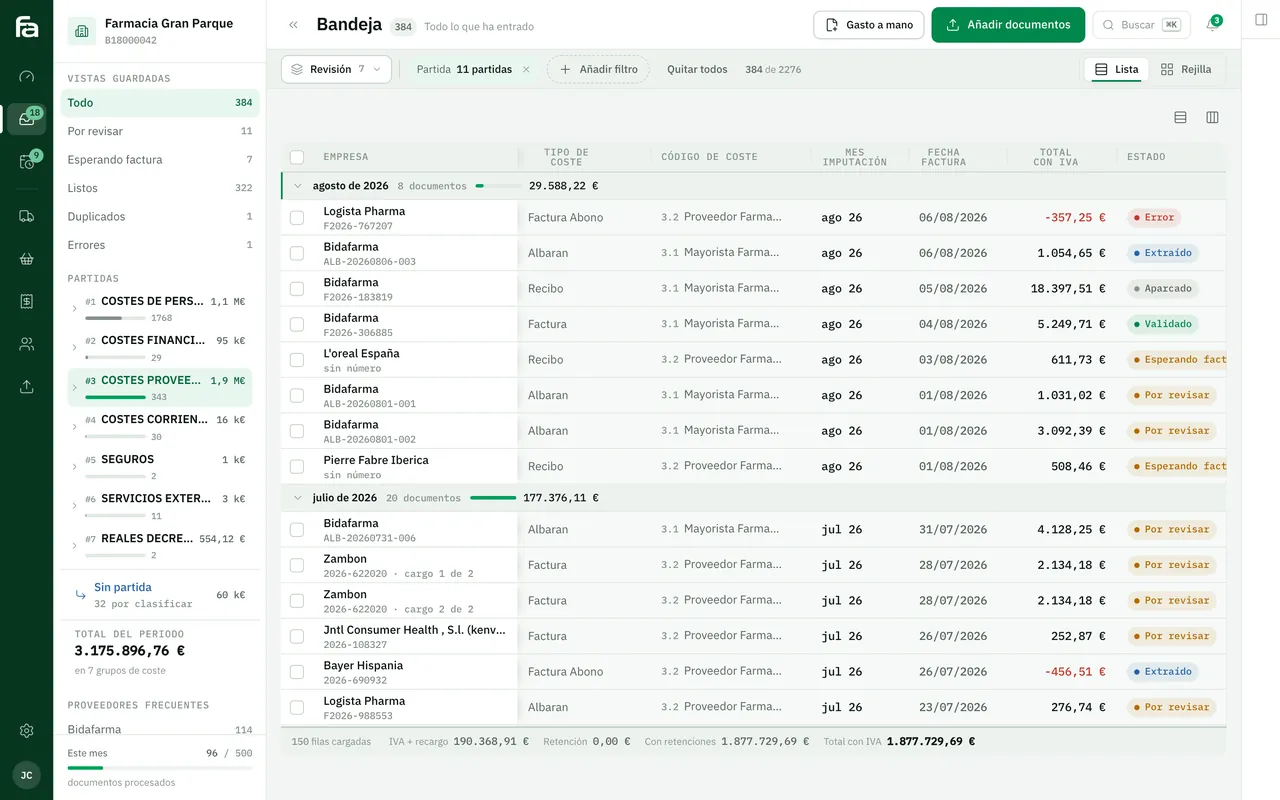
Farmacta
A pharmacy’s back office, built on its paperwork
We do not yet have a published workshop client. Document reading we have built: Farmacta reads suppliers’ delivery notes and invoices as PDFs, extracts the data and leaves it ready for review. It is in use at its first pharmacy.
In use at its first pharmacy
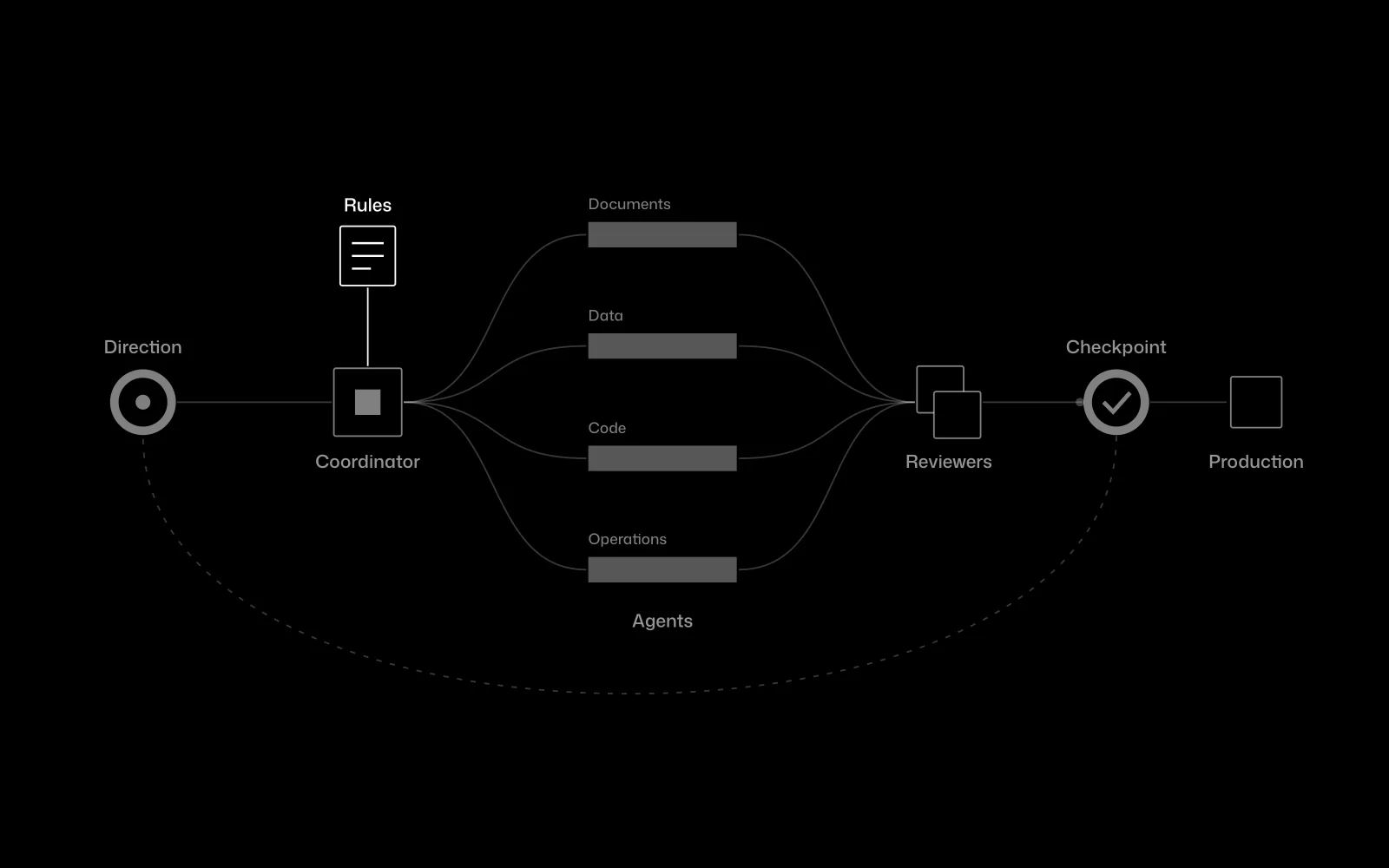
Certia Group
A team of AI agents inside an engineering firm
At Certia Group, an infrastructure engineering firm, we integrated a team of AI agents that takes on work which used to pass from hand to hand, with a person approving every step that matters. It is in use.
In use
6Frequently asked questions
Will my operators have to learn a complicated program?
They should not. We design the shop-floor side to work in a few taps from a phone or tablet, and we test it with them before signing it off.
Does it replace my invoicing program?
Not necessarily. Usually it passes the data from each finished order to it. If your program does not allow that, we tell you during the diagnosis.
Is it suitable for a factory as well as a workshop?
The approach is the same: orders, resources and statuses. What changes is the detail, and that is what is adapted to your case.
How much does it cost and how long does it take?
We do not publish prices or timelines. We give you fixed figures after the diagnosis, once we know what needs building.
Tell us how each job is tracked today
From that we can tell you what is worth building and what is not.
Tell us your problem