Systems integration: getting your software to share data
Integrating systems means getting your company’s programs to pass data to each other automatically and without contradicting each other. The technical side matters less than deciding who owns each piece of data.
1What we mean
A typical small business uses, all at once, management software, an online shop or portal, a bank, email, a spreadsheet or two and, increasingly, WhatsApp. Integrating means joining them so that a customer created in one place appears in the others, an order becomes a delivery note and an invoice, and a payment marks the invoice as paid.
2The design decisions, in plain terms
- Point to point or through a hub: linking each program to every other is quick with two or three, but with six it becomes a tangle. Beyond a certain number, everything should pass through a single point that logs each movement.
- Files or API: a file works when the software offers nothing else; an API is more reliable day to day. We explain it in the API entry.
- Real time or batches: an online shop’s stock usually needs real time; ledger entries can move once a day in one go, which also makes them easier to review.
3Who owns each piece of data
This is the most important question and the one most often forgotten. If an item’s price can be changed both in the ERP and in the online shop, sooner or later there will be two prices. You have to decide, field by field, which program holds the original and which hold copies.
A common split at a wholesaler: the ERP owns items, prices, stock and invoices; the CRM owns contacts and opportunities; the shop owns the basket and payment. The others read but do not correct.
4Typical errors and how to avoid them
- Duplicates: the same customer created twice because one system has ‘Construcciones Pérez SL’ and another ‘Const. Pérez’. Avoided by searching by tax ID before creating.
- Silent failures: an order that did not go through because a field was missing, and nobody noticed. Every transfer should be logged and failures should alert a person.
- Nobody knows who fixes it: if the data is wrong at source, it is fixed at source, and someone has to be named as responsible.
- Loops: two programs endlessly resending the same change because both think they are in charge.
5Integrations already working
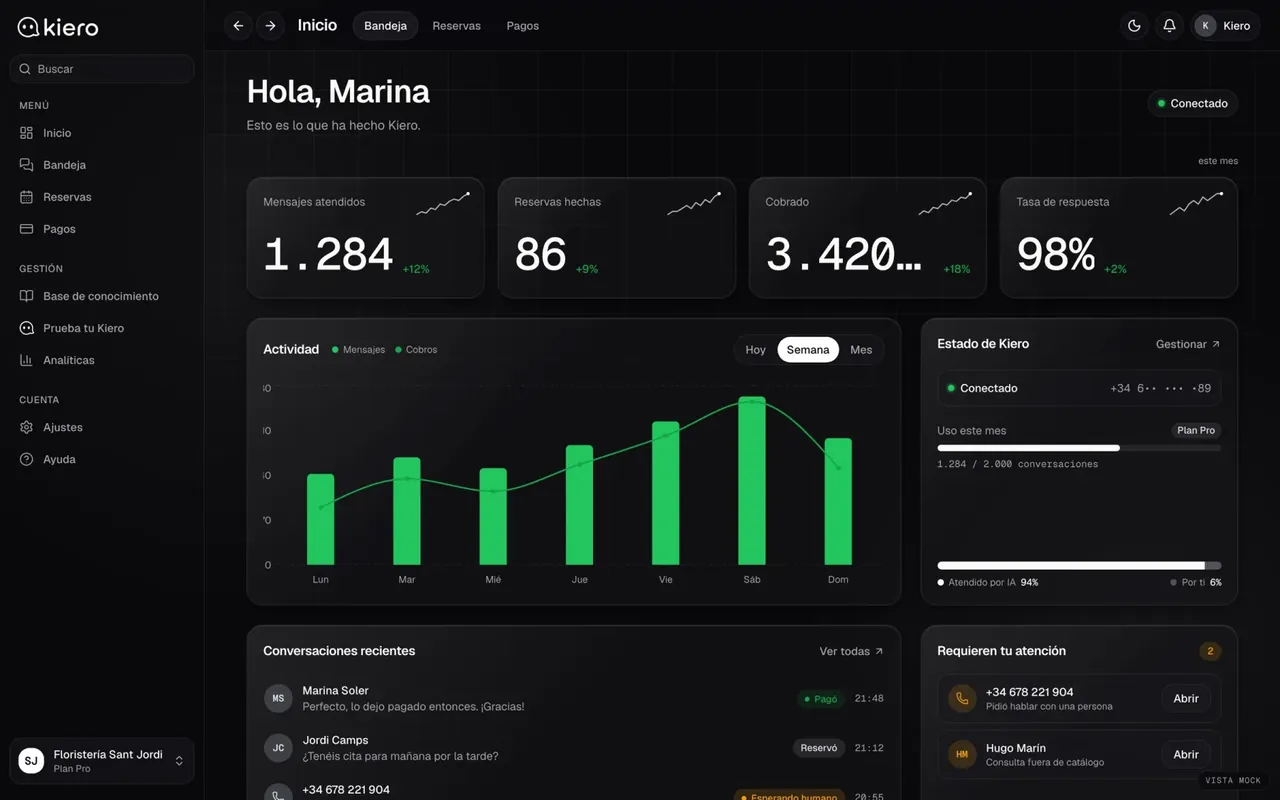
Kiero
An AI employee on the business’s WhatsApp
Kiero joins three systems: the WhatsApp conversation, the business’s diary and Stripe Connect payments. Each owns its own data, and the integration’s job is to make all three tell the same story. Live at kiero.es.
Live at kiero.es
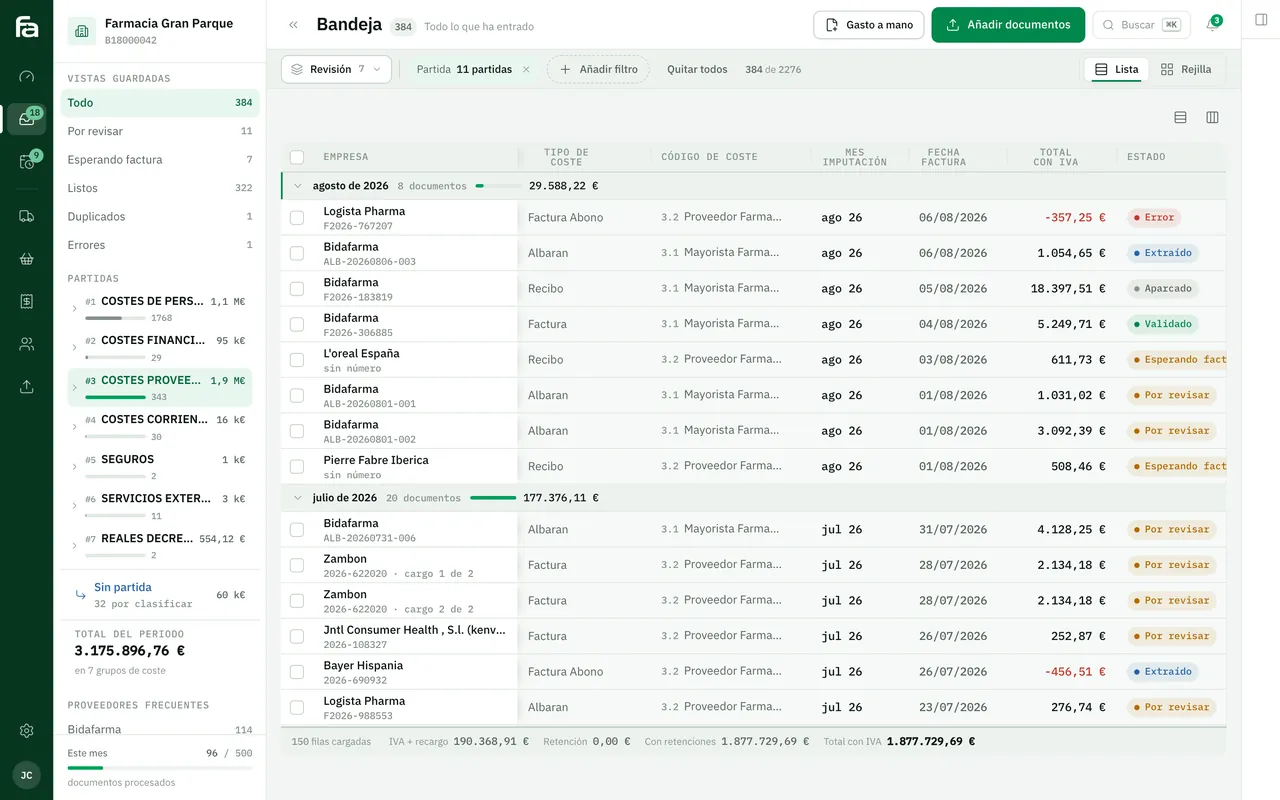
Farmacta
A pharmacy’s back office, built on its paperwork
A partial integration: from suppliers’ PDFs to accounting data ready for review. Anything that does not match is set aside for a person to check before it goes anywhere. In use at its first pharmacy.
In use at its first pharmacy
6Frequently asked questions
What happens if one of the programs goes down?
A well-built integration keeps pending transfers and retries them when the program comes back. Otherwise data is lost without anyone noticing.
Are there tools that connect software without coding?
Yes, and for simple links between popular products they can be enough. With your own rules or high volumes they tend to fall short. We compare them in the guide on custom software versus no-code.
How is old data migrated?
Separately, with a reviewed initial load, usually by file. Mixing the migration with the daily integration is a common source of duplicates.
Who maintains the integration when a program is updated?
It should be written into the contract. APIs change between versions; each connection should be documented and someone should receive the error alerts.
Sketch your software on a sheet of paper
With the list of programs you use and the piece of data most often copied between them, we can tell you what to integrate first and what is not worth it.
Tell us your problem