OCR: how a program reads a scanned document
OCR (optical character recognition) turns the image of a document into text a program can use. It is the first step towards no longer typing in invoices, delivery notes or paper job sheets by hand.
1What it actually does
To a computer, a photo of a delivery note or a scanned PDF is a picture: it has no idea that it says “Total 1,250.00”. OCR looks at the image and returns the letters and numbers it recognises, with their position on the page.
Not every PDF needs it. Invoices produced by invoicing software usually carry the text inside and can be read directly, more reliably. OCR is needed when the document is an image: a scan, a mobile phone photo, a converted fax.
2Reading is not understanding
This is the distinction that causes most confusion. OCR returns text, but it does not know which number is the total, which the taxable base or which the order number. That takes a second step: extracting the fields, that is, interpreting the document and filling in a record with supplier, date, number, lines, amounts and taxes.
That second step is handled with per-supplier rules, with AI models that understand the document, or a mix. In all three cases the result is checked: the lines add up to the base, the base plus tax gives the total, the supplier’s tax ID exists in your records.
3Where it goes wrong
Worth knowing before expecting miracles:
- Poor scans: skewed, shadowed, low resolution, or with a stamp over an amount.
- Long tables: lines split across pages, columns that drift, discounts on a separate line.
- Handwriting: biro notes on a delivery note, a quantity corrected by hand. It is the hardest and least reliable part.
- Odd formats: the supplier who changes their template or sends a credit note with negative figures.
4Why a person always checks
No reading system is always right. The sensible way to use one is for the reading to propose and a person to confirm the doubtful cases: documents that do not add up, or that the system read with low confidence, go to a review tray with the original alongside, instead of going straight into the accounts.
That way your team stops typing in the easy ones and spends its time on what really needs judgement. The full process, from inbox to ledger entry, is on our page about supplier invoice capture.
5Document reading in use
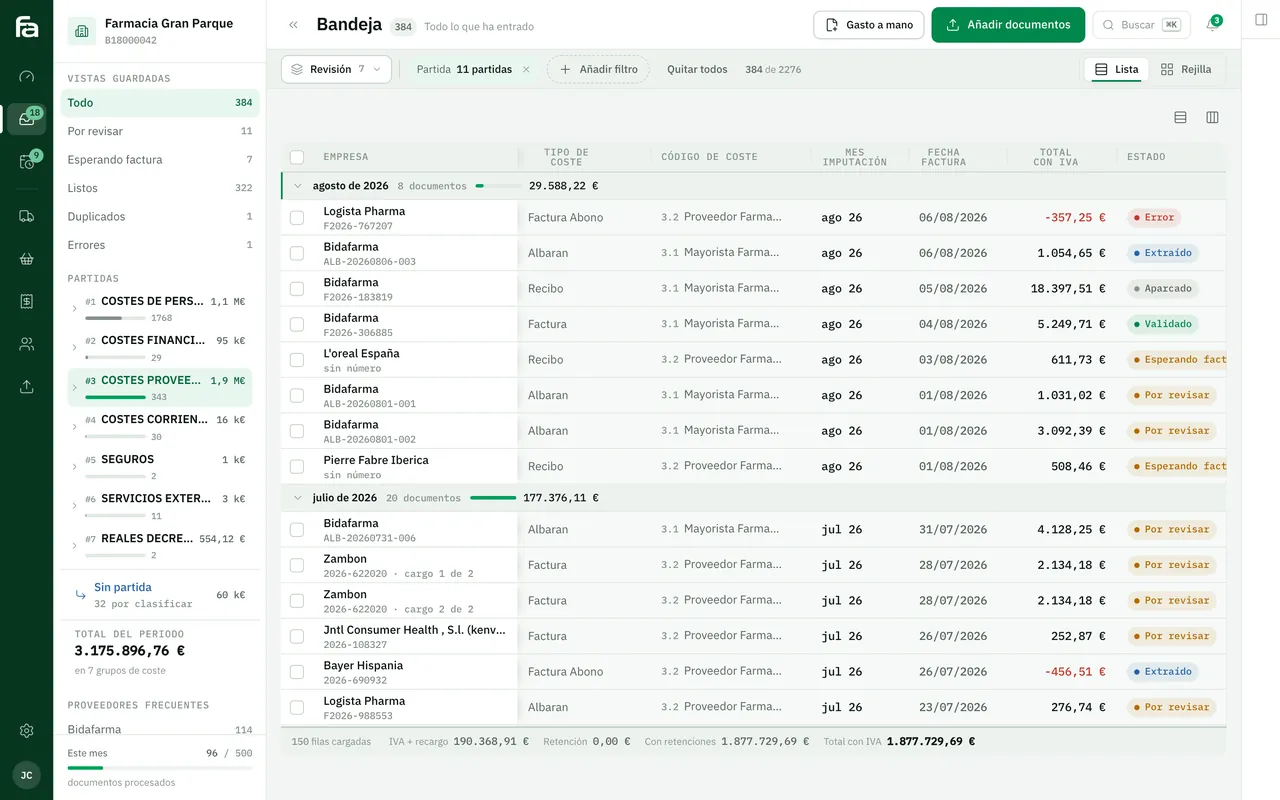
Farmacta
A pharmacy’s back office, built on its paperwork
Farmacta reads delivery notes and invoices from wholesalers and laboratories as PDFs, extracts the accounting data and leaves anything it cannot read with confidence flagged for review, with the original PDF alongside. In use at its first pharmacy.
In use at its first pharmacy
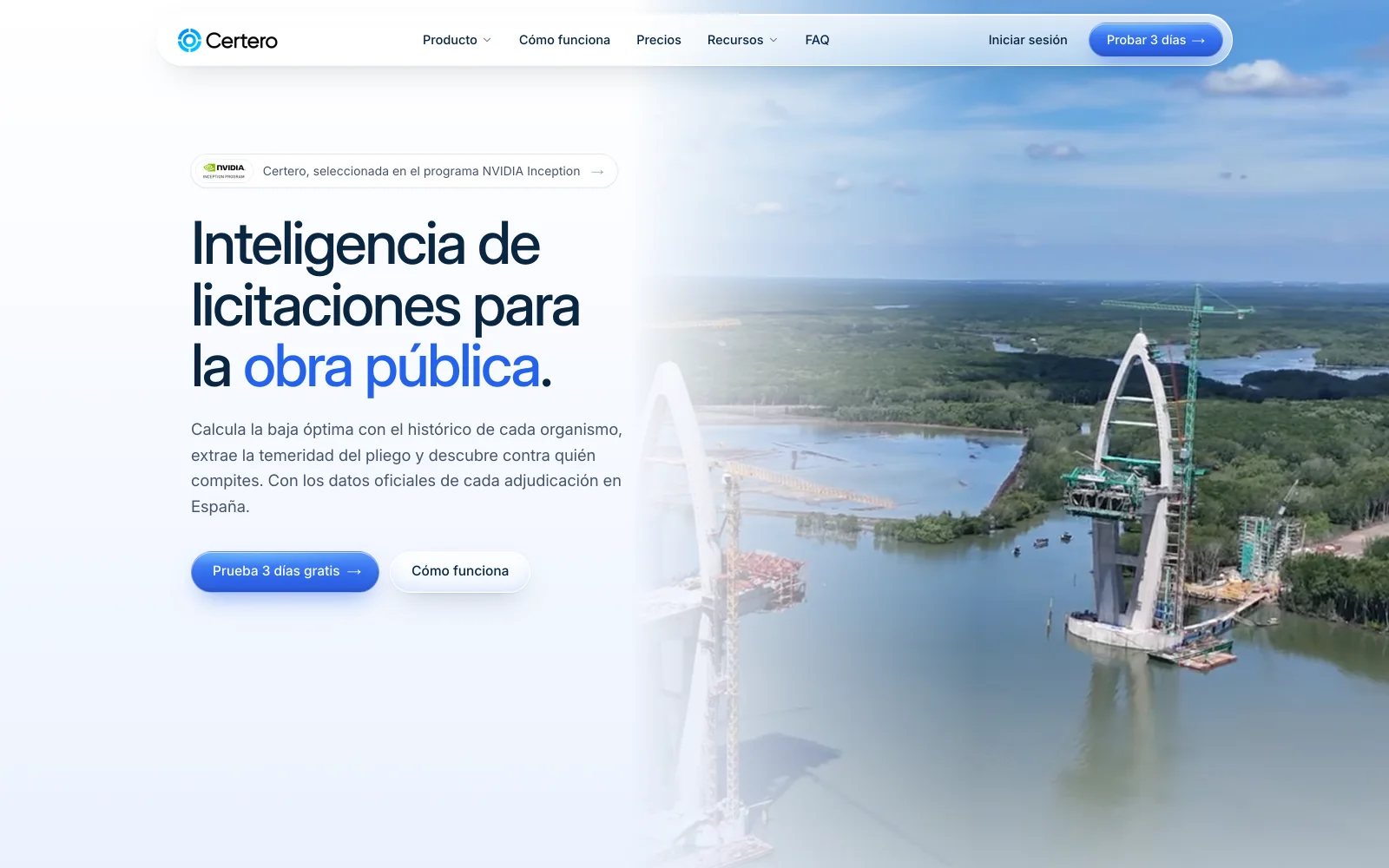
Certero
Tender intelligence for public works
Certero reads tender documents and award records, and independent reviewers check every figure against the original. A different kind of document, but the same principle of verifying what has been read. Live at certero.es.
Live at certero.es. Accepted into NVIDIA Inception.
6Frequently asked questions
Does it work with photos taken on a phone?
Yes, if the photo is in focus, straight and well lit. A poor photo gives a poor reading; the app should say so there and then so it can be retaken.
Can it read handwritten delivery notes?
Printed text, well. Handwriting, unreliably. Handwritten notes should always go to review.
Do I need to scan invoices that already arrive as PDFs by email?
No. If a program generated the PDF, the text is already inside and is read directly, without OCR and with fewer errors.
What happens to documents that are not read properly?
They stay in a tray flagged for review. No doubtful figure should go into the accounts without a person confirming it.
Which documents does your team type in today?
Send us three examples, including the worst one you have, and we will tell you which part can be read automatically and which a person would need to check.
Tell us your problem