Customer portal: invoices, documents and issues behind one login
Many customer calls and emails are questions whose answer is already in your systems: where is my order, can you resend the invoice, I need the certificate. We build the portal where each customer finds it themselves, seeing their own data and nothing else.
1The questions that come back every week
Watch the accounts or customer service inbox for a week and the same pattern always shows up. Someone at a customer asks for an invoice that was already sent and cannot be found. Another asks whether an order has shipped. A third needs a material certificate to hand over on site or at an audit. Each answer takes a few minutes, but there are many of them and they always interrupt something else.
2What the customer sees on logging in
The content depends on your business. Typically:
- Orders in progress with their status and, where there is a carrier, the tracking number.
- Downloadable invoices and delivery notes, filterable by date and amount outstanding.
- Certificates, data sheets, contracts or reports linked to each order or service.
- A form to raise an issue or a query, which reaches your team already categorised.
- Account details: delivery addresses and contacts that the customer keeps up to date.
3Who sees what: the delicate part
A badly planned portal can show one customer another customer’s invoices. That is why permissions are not left until the end. Each user belongs to one client company and sees only that company’s data; within it, you can limit who sees invoices and who sees only orders. That rule is enforced in the database itself, not just by hiding buttons on screen.
Users can be added by your team or by a lead contact at each customer for their own people. When someone leaves the client company, their access is removed without affecting their colleagues, and every view and download is logged.
A portal like this handles personal data about your customers’ contacts. The GDPR applies, and which measures and notices you need is for your adviser or data protection officer to assess. We build the controls they specify.
4Where the data comes from
The portal should not become one more place where someone uploads documents by hand. We connect it to your management software or document store so that an issued invoice or a dispatched order appears on its own. If your software cannot be connected, we look for the least manual alternative and explain it before we start.
5Projects with accounts, permissions and per-customer data
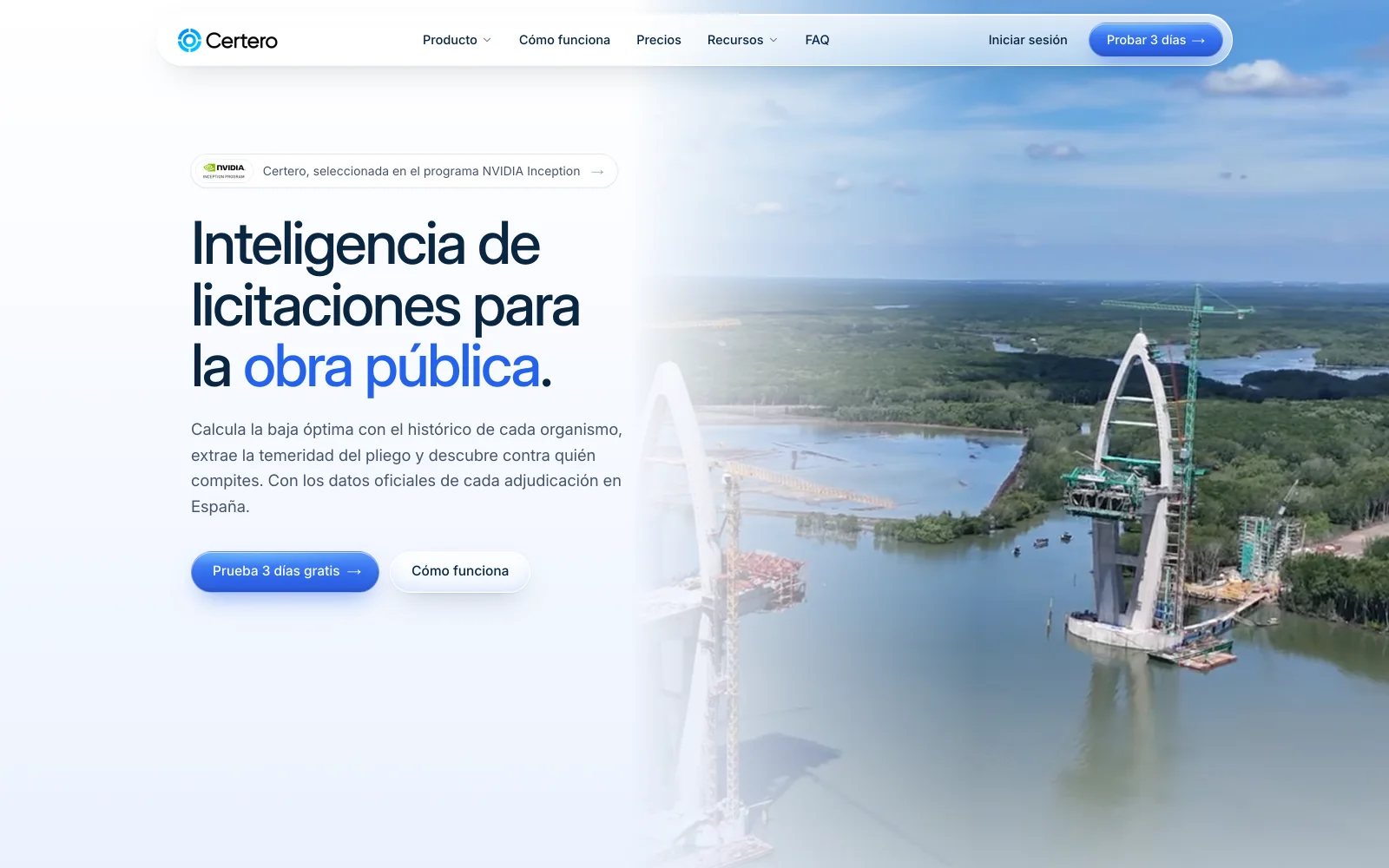
Certero
Tender intelligence for public works
Certero is a live web platform that companies log into with their own account to work on the tenders that interest them. It is not an order portal, but it solves the same underlying problem: access by account and data presented for each company.
Live at certero.es. Accepted into NVIDIA Inception.
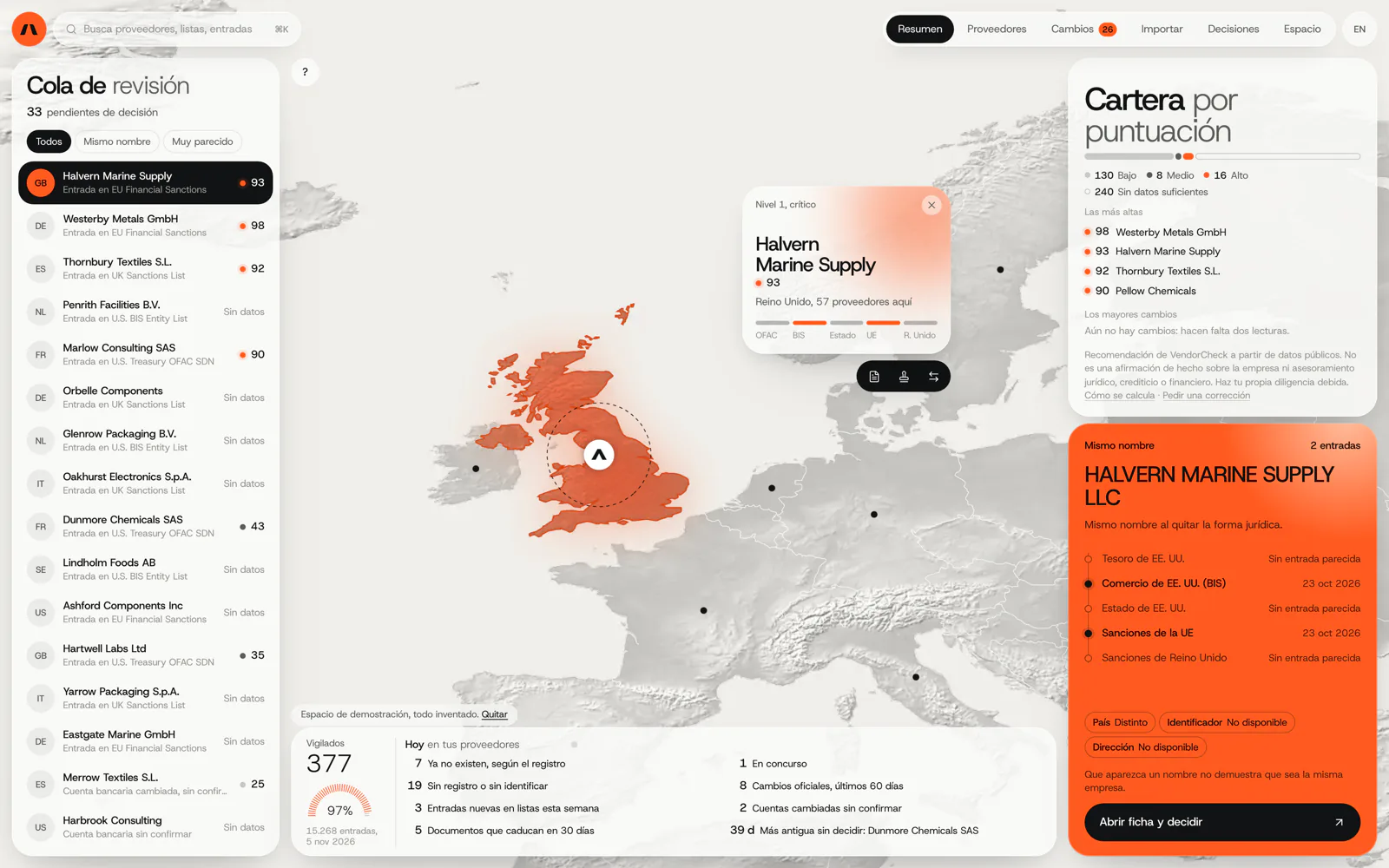
VendorCheck
Supplier screening against official sanctions lists
VendorCheck, in development, records each decision with its source and date, the kind of log a portal needs to know who viewed or downloaded what. Its user accounts are coded and not yet connected.
In development. Matching against the official lists works; accounts, billing and alerts are coded and not yet connected. The screens are shown with an invented demo workspace.
6Frequently asked questions
Do my customers have to install anything?
No. It is a website opened in the browser, on mobile too, with a username and password or a sign-in link sent by email.
Can it carry my brand and my domain?
Yes. The portal is published with your branding at an address on your domain, such as customers.yourcompany.com.
What if a customer has several sites or group companies?
That can be modelled: a group-level user sees all their companies and a site user sees only theirs. We define it with you during the assessment.
Can customers place orders through the portal?
They can, and then the portal moves closer to a B2B ordering system. Many companies start with document access only and add ordering in a later phase.
Count a week of calls
Note what your customers ask you for a week. With that list we can tell you what a portal would handle and what would still need a call.
Tell us your problem