How to collect signatures and sign-offs without losing paperwork
In a small business, small things get signed every day that later turn out to be worth money: a delivery, a quote, a job sheet. We build the system that asks for each signature at the right moment, keeps the evidence and files it where people will look for it.
1What gets signed and is almost never found
Talk of electronic signatures brings contracts to mind. In the daily life of a small business, other documents matter more: less formal and far more frequent.
- The delivery sign-off: the delivery note signed by whoever receives the goods.
- Acceptance of a quote, which sets the price that is later invoiced.
- The job sheet signed by the customer at the end of a repair or a service visit.
- An employee’s acknowledgement of internal rules, procedures or equipment received.
- Changes to an order or a building job agreed halfway through.
2Who signs what, and what happens next
Before choosing a tool it helps to draw up a simple table: document, who signs it, at what moment, and what is triggered once it is signed. An accepted quote should open the order or work order without anyone copying it. A signed job sheet should move to the list of work ready to invoice. A signed delivery note closes the delivery and, if it carries remarks, opens an incident.
The way of signing depends on the case. The technician hands their phone to the customer to sign on screen. The quote is accepted from a link sent by email or WhatsApp, with a code sent to the customer’s phone. The employee confirms they have read a procedure from their own login. And if someone has not signed, the system reminds the person responsible, not the whole team.
3The evidence matters more than the squiggle
A scribble on a screen says little by itself. What gives a signature its value is what is kept around it: the exact document that was signed, locked so it cannot change afterwards; who signed and how they were identified; the date and time; the channel it came through; and the copy the signer received. All of that stays attached to the document.
The eIDAS Regulation distinguishes between simple, advanced and qualified electronic signatures, with different effects. Which type each document needs depends on its risk and is for you to decide with your adviser; we explain it in more detail in our electronic signature glossary entry. For documents that call for a qualified signature, the sensible approach is to connect the system to a trust service provider rather than invent anything.
4Filed with the work, not in a separate folder
A signature nobody can find is useless. So we file each signed document inside the record it belongs to: the order, the customer, the building job or the employee. Anyone looking for the delivery note of a disputed delivery finds it from the invoice, instead of digging through a folder of scans named by date.
We also agree with you how long each type of document is kept, who can see it and who can cancel it, always leaving a trace of the cancellation.
5The closest thing we have built
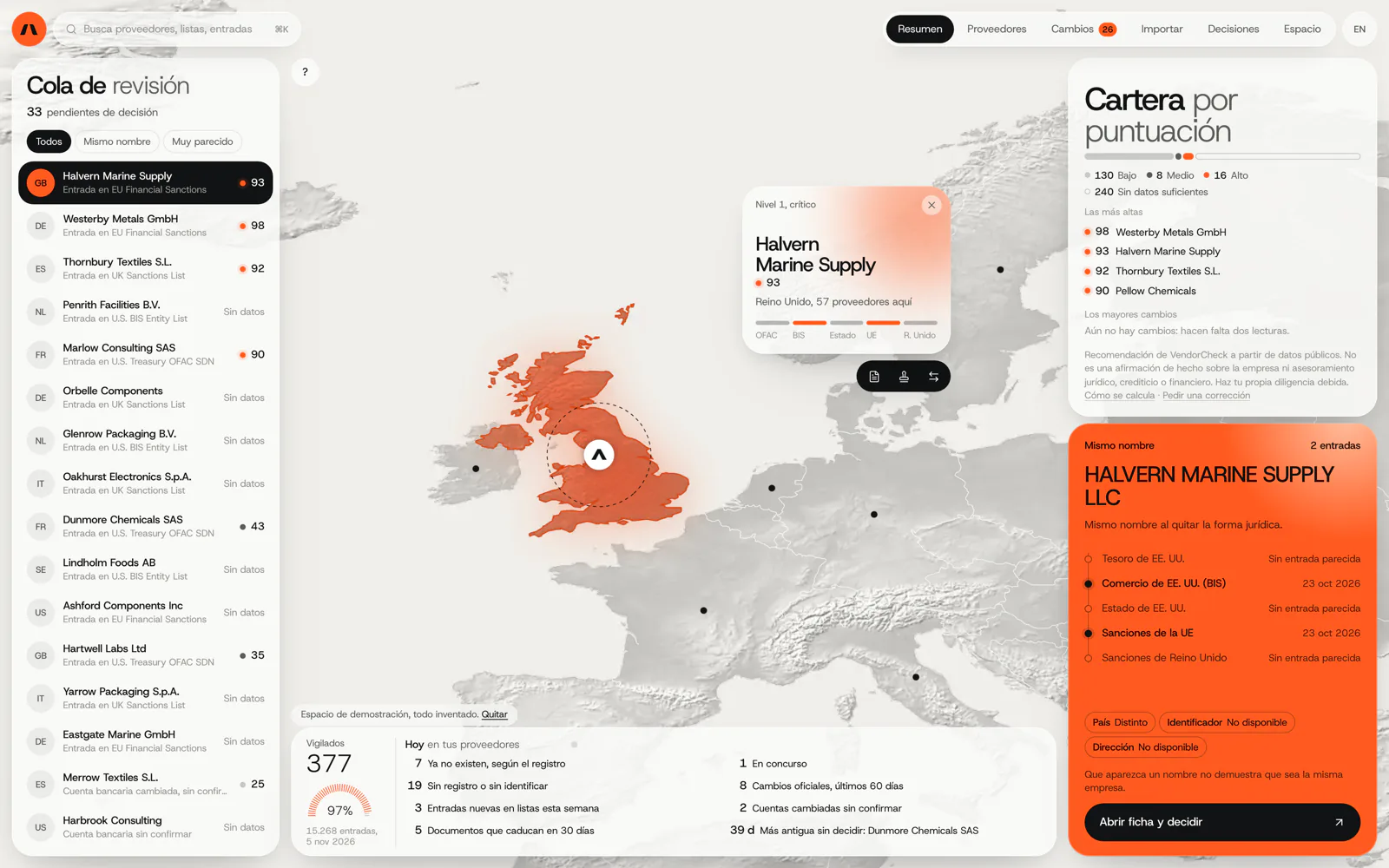
VendorCheck
Supplier screening against official sanctions lists
VendorCheck records each decision about a supplier with its source and date. It is the same idea we apply to a signature: what counts is the evidence kept around it. VendorCheck is in development and is not a signing system; we do not yet have a published case of this process.
In development. Matching against the official lists works; accounts, billing and alerts are coded and not yet connected. The screens are shown with an invented demo workspace.
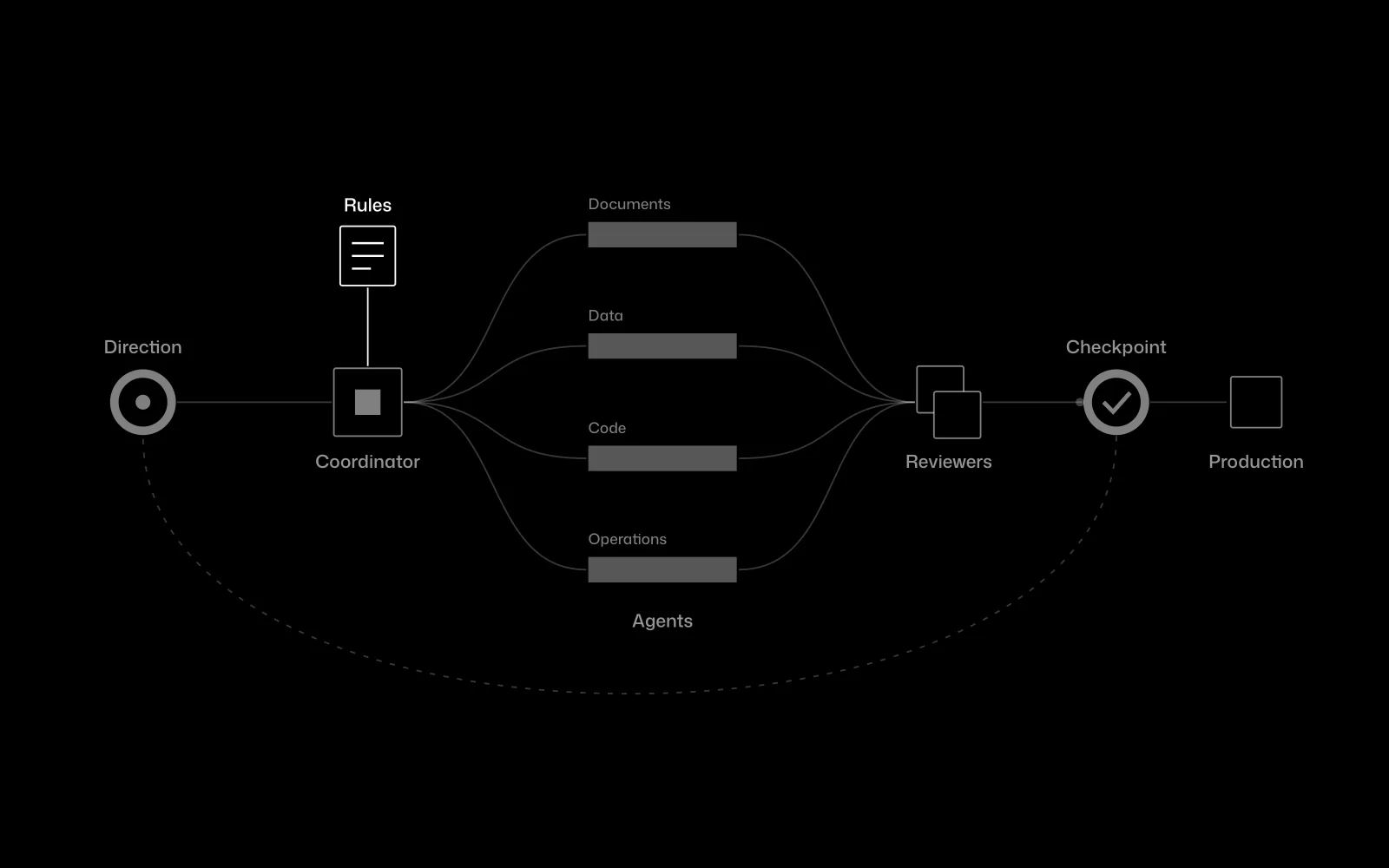
Certia Group
A team of AI agents inside an engineering firm
At Certia Group, a person approves every step that matters in the work the AI agents do, and that approval is recorded. It is a sign-off within the workflow, even though it is not a customer signature.
In use
6Frequently asked questions
Is a signature drawn on a tablet screen valid?
It is commonly used for everyday sign-offs, and its value depends mostly on the evidence kept with it. If a particular document needs something stronger, you decide that with your adviser and we configure it.
Do my customers need a digital certificate?
Only for documents that require a qualified signature. For the rest, it is enough to identify them by reasonable means, such as a code sent to their phone or email.
Can several people sign the same document?
Yes, in sequence or in parallel, and the document is not closed until the last person signs.
Can it work with the signing service we already use?
If that service allows other software to connect to it, yes. We check with your account before proposing it.
What if the customer refuses to sign?
The refusal is recorded with its date, who logged it and, if you wish, a comment or photo. That is useful information too if there is a dispute later.
Show us a signed document that was hard to find
With that example we can tell you what should be kept around the signature and where it ought to be filed.
Tell us your problem