Time tracking and shift rosters for a small business
Clocking in is the easy part. The hard part is making the roster, shift swaps, holidays and overtime match what was clocked when the month closes. We build the system that joins the two and hands payroll a summary that needs no patching.
1The obligation and the real problem
In Spain, keeping a daily record of each employee’s working hours has been compulsory since 2019, following Royal Decree-law 8/2019. A reform has also been put through the legislative process to require that record to be digital; if it is approved, it could change how your company has to keep it. We recommend checking the law in force in the Spanish Official Gazette (BOE) and confirming with your employment adviser what applies to you: we build the system that stores the data, we do not interpret the law.
Many companies met the obligation with a sign-in sheet or a standalone clocking app. It does its job, but it does not talk to the roster. At month end someone compares the plan with the clock-ins by hand, chases whoever forgot to clock in and works out overtime in a spreadsheet.
2From clock-in to roster, in one place
Staff clock in from their phone, from a tablet at the workplace or from their computer if they work from home. If someone forgets or makes a mistake, the record is not quietly edited: they request a correction with a reason, their manager approves it, and both are kept.
The roster starts from shift templates and rotations, with the minimum cover each time slot needs: two people on the tills in the afternoon, one mechanic on Saturday afternoons, a receptionist at all times. When two colleagues want to swap a shift, they request it in the app and the manager accepts it, seeing whether cover is still met.
3Holidays, absences and overtime
This is where most disputes happen, and where having the data visible to everyone helps most:
- Holiday requests with the remaining balance, a warning when people in the same team overlap, and approval by the manager.
- Sick leave, permitted leave and absences recorded by type, so they do not show up as unexplained gaps.
- Overtime worked out by comparing the plan with what was clocked, and flagged for review before it is accepted.
- Each employee sees their own records, shifts and balance without having to ask.
4Month end without reconstruction
Before closing, the system shows what is outstanding: clock-ins with no clock-out, unapproved corrections, unexplained absences. Once everything is resolved, it produces the per-person summary in the format your payroll software or accountant uses.
How overtime is compensated, what counts as working time and what data is kept about each person are for you, your collective agreement and your adviser to decide. If you are considering location-based clocking in, we review it with whoever advises you on data protection before switching it on.
5What we draw on
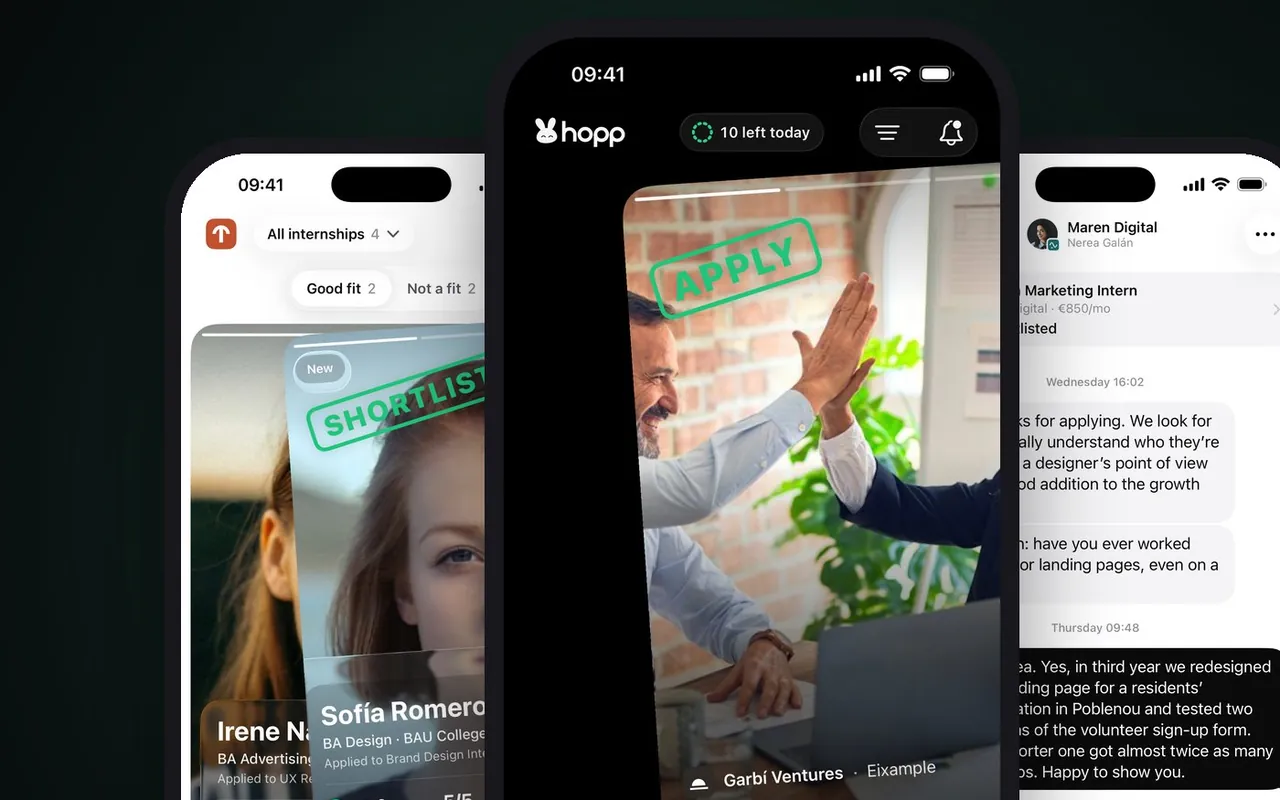
Hopp
Internships for students, one swipe away
Hopp is a native iPhone app designed so that a task takes a single gesture. Clocking in or requesting a shift swap has to be just as quick, or it will not get done. Hopp has nothing to do with staff or working hours, and we do not yet have a published case of time tracking.
Submitted to the App Store in October 2026
6Frequently asked questions
Can we clock in using the phone’s location?
Technically yes, but it affects staff personal data. It is best decided with your adviser, weighing alternatives such as clocking in only from the workplace network or device.
How do remote workers or people who move between clients clock in?
From their phone or computer, with their own login. If they work in several places in a day, each stretch can be linked to its site or client.
Can employees view their own records?
Yes. They see their clock-ins, shifts, holidays and corrections, and can request a change if something is wrong.
Does it connect to our payroll software?
If the software can import data, yes. If not, we give you the monthly summary in the file your accountant already knows how to read.
Does it replace the clocking app we already have?
Not necessarily. If it works and lets the data out, we can read from it and add only the roster and the month-end close.
Bring us a month’s roster and clock-ins
Putting the plan next to what was clocked shows us where your admin team’s hours are going today.
Tell us your problem