Employee onboarding and training: from contract to day one
When someone new joins, five people have to do something before they start, and one of them nearly always forgets. We build the system that assigns those tasks, keeps what has been signed and warns when a training course expires.
1What happens between signing the contract and day one
The contract and Social Security registration are normally handled by your payroll provider or employment adviser, and that does not change. What stays inside the company is everything else, and it is usually done from memory:
- Collecting the details and documents the payroll provider asks for and the company needs to keep.
- Handing over equipment (laptop, phone, keys, access card) and personal protective equipment in the right size, with a signed receipt.
- Setting up access: email, software, shared folders, alarm.
- Delivering the induction for the role and whatever health and safety training applies.
- Handing over the internal rules and getting them read and signed.
2One checklist per role, not one for everyone
A warehouse operative, an administrator and a driver do not need the same things. We propose onboarding templates by role, each with its tasks, owner and deadline: whoever runs IT receives the access request, the supervisor the equipment handover, the safety officer the training.
Each task is ticked off with its date, and the coordinator can see at a glance what is missing for each new starter. The employee can sign for equipment and for reading the rules on a tablet or their phone, with no paper to scan afterwards.
3Mandatory training that expires
Some training is not a one-off: there are courses that are repeated periodically, qualifications with an expiry date and training that must be given again if the role or the equipment changes. Which applies to each role, and when, is determined by your health and safety service or adviser; we do not decide that.
What the system does is record each session with its content, date, duration, who delivered it and the attendee’s signature, and warn in advance about what is about to expire, by person and by role. The day someone asks for it, the record is in one place rather than five folders.
4Leaving is a process too
When someone leaves, the risk lies in what stays open. The exit follows the same checklist as onboarding, in reverse: return of equipment and PPE with a receipt, access closed on the last day and documents kept for as long as your adviser tells you.
Employee data is personal data, and some of it is sensitive. The system limits who sees what and logs access; what to keep and for how long should be reviewed with whoever advises you on data protection.
5What we have built that comes close
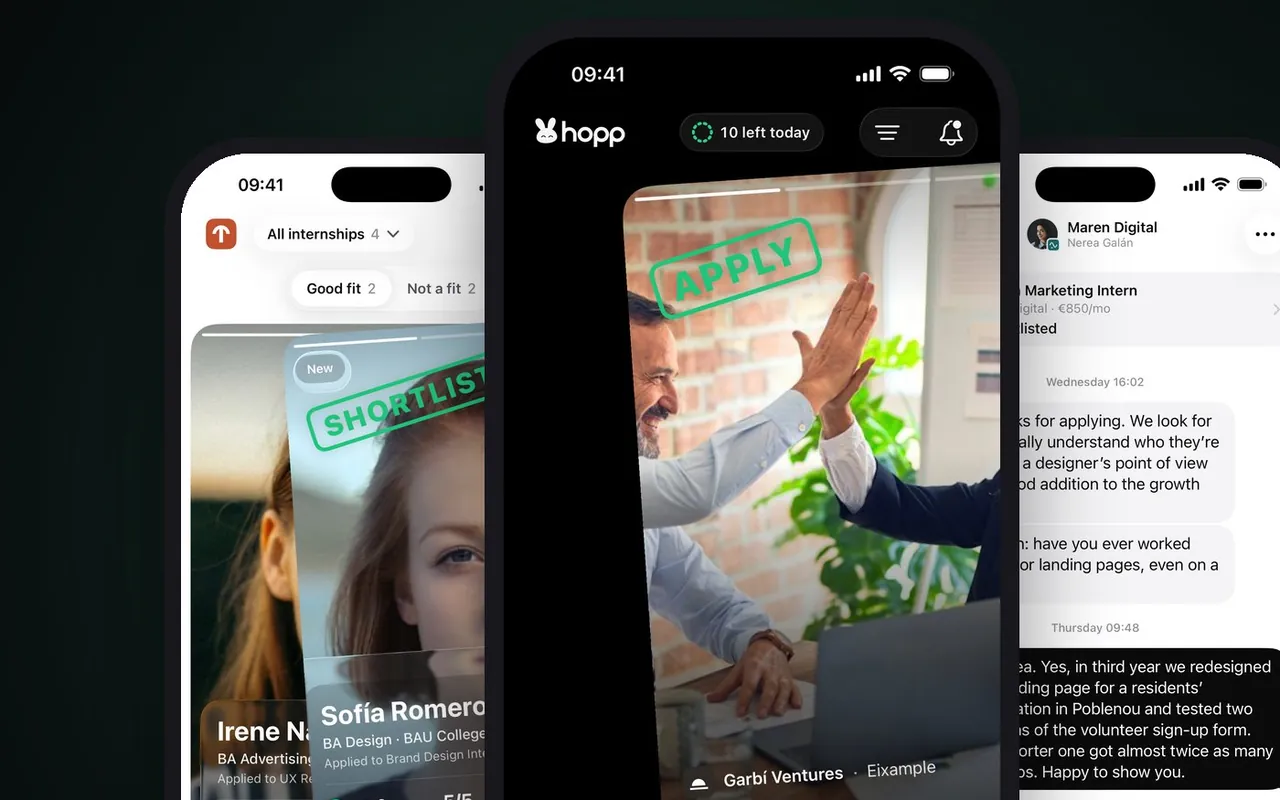
Hopp
Internships for students, one swipe away
Hopp connects students with companies offering internships: the company receives the profile and CV without forms. It covers the step before someone joins, not onboarding itself. It was submitted to the App Store in October 2026.
Submitted to the App Store in October 2026
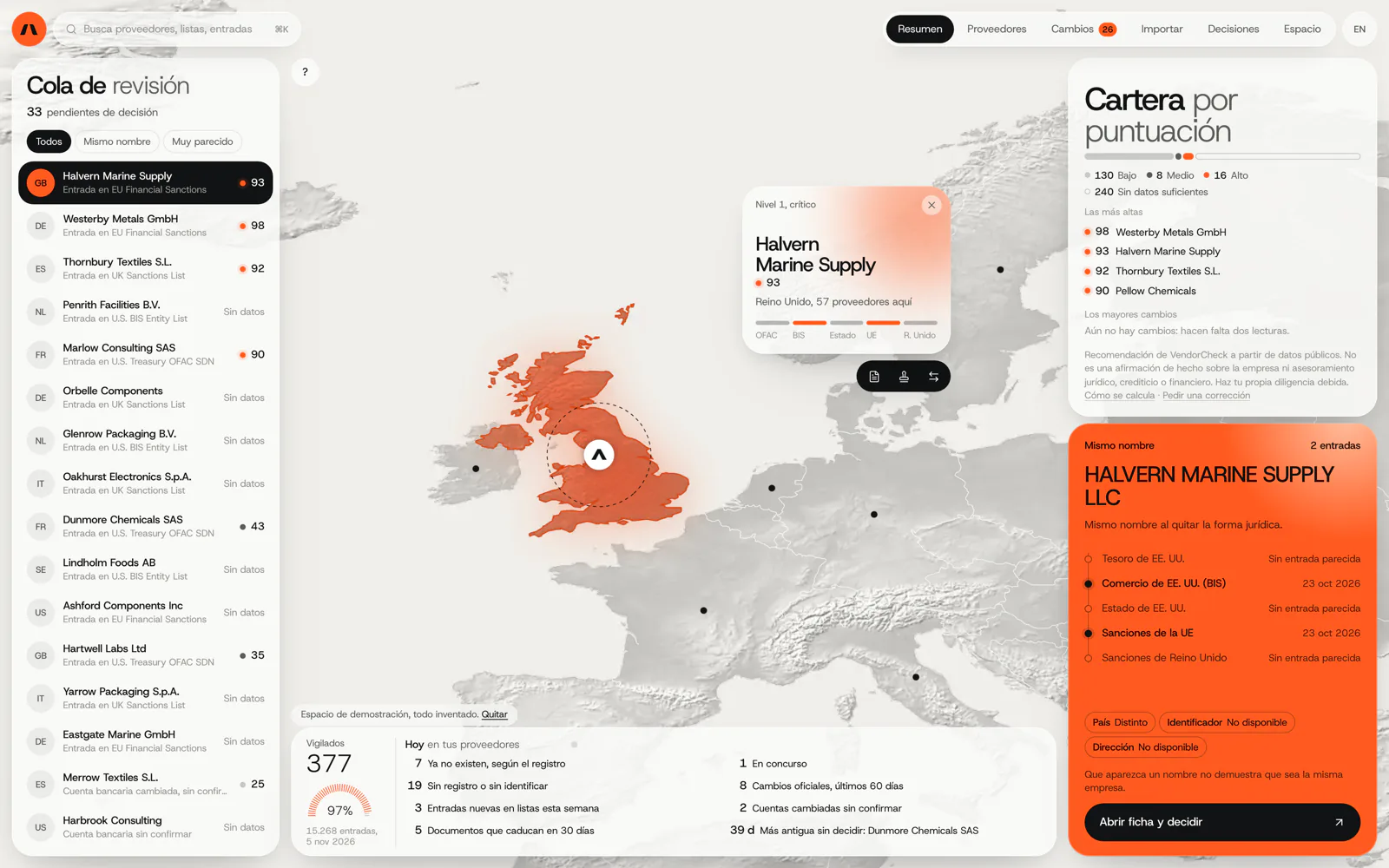
VendorCheck
Supplier screening against official sanctions lists
VendorCheck records every decision with its source and date so you can later show that a check was carried out. A training record calls for the same principle. It is in development. We do not yet have a published case of employee onboarding.
In development. Matching against the official lists works; accounts, billing and alerts are coded and not yet connected. The screens are shown with an invented demo workspace.
6Frequently asked questions
Does it replace our payroll provider or payroll software?
No. Contracts, Social Security registration and payroll stay where they are. If your payroll provider needs an employee’s details, the system can gather them and send them in one go.
Will you tell us which training is mandatory for each role?
No. That is for your health and safety service and your employment adviser. We turn what they specify into tasks, records and reminders.
Can employees sign on their phone?
Yes, for equipment receipts and acknowledging the rules. If a document needs a specific type of signature, we look at it with your adviser before deciding how it is signed.
Does it work for staff without a company email address?
Yes. Access can be through their own phone with a code, or on a shared tablet at the workplace.
Can we see at once who has training about to expire?
Yes. A list by site or by role of what falls due in the coming weeks, and a reminder to each person’s manager.
Let’s walk through your last new starter
Tell us what had to be done when the last person joined and what was forgotten. It is the best way to see which checklist your company needs.
Tell us your problem