Expiry control: certificates, vehicles, training and contractor paperwork up to date
Some documents only matter on the day they are missing: the certificate a customer asks for, the insurance on a van or the course a worker needs to get onto a site. We build the register that knows what expires, when, and who has to renew it.
1Which documents expire in a small business
More than you might think, spread across administration, fleet, health and safety and staff. A typical list:
- Company: certificates of being up to date with the Spanish Tax Agency and Social Security, insurance policies, quality certifications and contractor classifications.
- Vehicles: roadworthiness inspection (ITV), insurance, and whatever cards and permits apply.
- People: occupational health and safety training, medical check-ups, forklift or aerial platform licences and driving licences.
- Machinery and installations: approvals, periodic inspections and markings.
2Coordinating with contractors
Coordination of business activities, known in Spain as CAE, multiplies the work. When your company goes to work at a customer’s premises, they ask for company and per-worker documentation before letting you in, often through their own platform. When you are the one hiring, you have to request it, review it and chase what is missing.
The typical problem is not lacking the documents but not knowing which version is current, who holds it and whether it has already been sent to that customer. The result is a worker stopped at a site gate because of a course that expired the week before.
3What the register looks like inside
Each document is a record, not a loose file in a shared folder:
- Who it belongs to: the company, a person, a vehicle or a machine.
- Issue and expiry dates, read from the PDF itself where possible and confirmed by a person.
- The current version and earlier ones, without deleting the history.
- Who uploaded it, who validated it and which customers or contractors it has been sent to.
- Staged alerts before expiry, to whoever has to renew it and whoever supervises.
4Requirements by role, site or customer
The piece that saves most time is a requirements table: which documents each role, each customer or each site needs. With it, the system answers on one screen whether a worker or vehicle can go to a given place tomorrow, and what is missing if not.
Workers can upload their certificates from their phone and contractors from a link, with no account in any software. Nothing they upload counts until someone at your company validates it.
The system does not decide which documents are mandatory in your case. That is set by health and safety regulations and by each customer, and you define it with your prevention service or adviser; we turn it into requirements and alerts.
5Projects with something in common
VendorCheck
Supplier screening against official sanctions lists
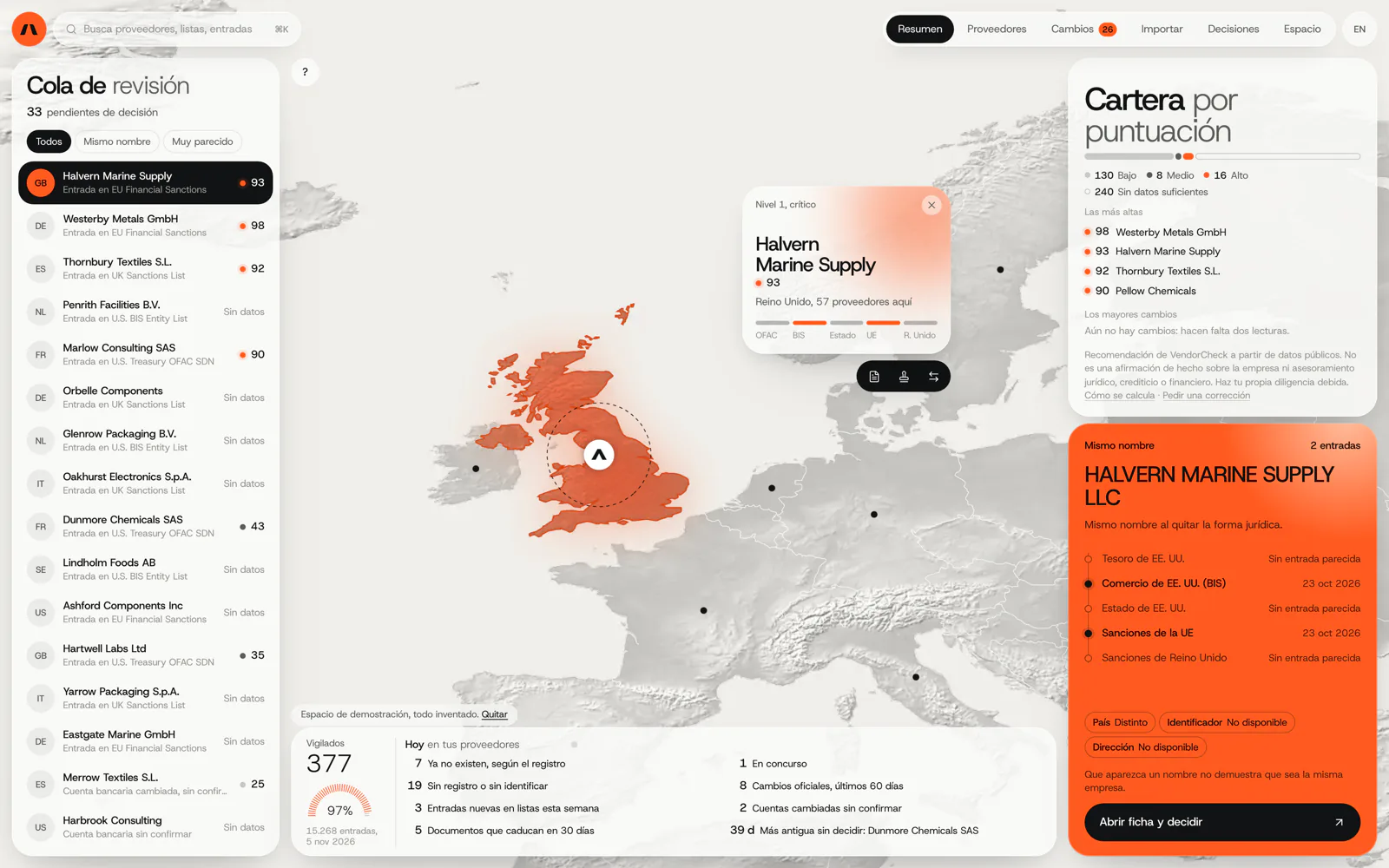
VendorCheck checks a supplier against official sources and records each decision with its source and date. Reviewing a contractor’s paperwork and being able to show later what was checked and when is the same job. It is in development.
In development. Matching against the official lists works; accounts, billing and alerts are coded and not yet connected. The screens are shown with an invented demo workspace.

Certero
Tender intelligence for public works
Certero reads public tender documents, which is exactly where current certificates, classifications and insurance are demanded. It does not manage the expiry of those documents: the similarity is in reading requirements. We do not yet have a published expiry-control case.
Live at certero.es. Accepted into NVIDIA Inception.
6Frequently asked questions
Can contractors upload their own documents?
Yes, from a link that only gives them access to their own records. What they upload stays pending until someone at your company reviews it.
Our customers make us upload everything to their CAE platform. Does this replace it?
No. Those platforms belong to the customer and have to be used. What the system saves is hunting for documents each time: it holds them current and ready, and records what was sent to each platform. If a platform allows automatic connection, we look into it.
What about health data from medical check-ups?
Usually only whether the person is fit for the role and the date are stored, not the medical report. Exactly what to keep is best decided with your prevention service and your data protection adviser.
Does it read the expiry date from each document by itself?
It tries, and on most certificates the date is clear. Even so, it proposes the date for someone to confirm, because a wrong date is precisely what this system exists to prevent.
What if a worker changes role?
Requirements are recalculated for the new role and the system shows what is missing before they start.
Try it with one site or one customer
Tell us what documentation you were asked for last time and how long it took to gather. From that we can see which part of the register to build first.
Tell us your problem