Stocktaking with barcodes or QR codes without shutting the warehouse
Counting a warehouse with pen and paper takes days and leaves transcription errors. With codes and a scanner counting is faster, but there are decisions to make first: which code to use, what to read it with and how often to count. We go through them here.
1Which code to put on what
The first rule is to use what already exists: if the product comes with a manufacturer’s code, use that one. Only label what does not have one and, above all, the locations.
- EAN-13: the code on retail products, the one a supermarket till reads. If you are the manufacturer and need your own EAN codes, they are obtained through GS1, which in Spain is run by AECOC.
- Code 128: a linear barcode that accepts letters and numbers. It is the usual choice for internal use: locations, cartons, pallets or your own batches.
- QR or DataMatrix: they hold much more information in little space, such as reference, batch and expiry date together, and read well with a phone camera. Useful on small items or labels carrying several pieces of data.
2Scanner, handheld terminal or the employee’s phone
A gun scanner connected to a tablet is cheap and very fast at reading linear codes. A rugged handheld terminal with a built-in scanner is the comfortable option for someone counting for hours at a time. A phone camera works for small or occasional counts and for reading QR codes, but it is slower when there are hundreds of scans and struggles in poor light or with worn labels.
Often the answer is a mix: terminals for the warehouse team and a phone for the supervisor checking a single location. The software is the same; only the device changes.
3Annual stocktake or cycle counting
An annual stocktake closes the warehouse for a day or two and counts everything at once. It is simple to organise, but it stops activity and mistakes are found once a year.
Cycle counting checks a few locations every day, so the whole warehouse is counted several times a year without stopping. Fast-moving or high-value items are usually counted more often. It works best blind: the person counting does not see the quantity the system expects, they only record what they find.
4Locations, discrepancies and adjustments
Without locations there is no reliable count. One code per bin, with a fixed scheme such as aisle, rack, level and position, means every scan records where it was counted, not just what.
When the count does not match the book figure, the system asks for a second count if the difference exceeds a threshold you set. If it is confirmed, it proposes an adjustment with a reason, which a person with permission approves before stock is changed. The causes tend to repeat: units counted as cartons, receipts never booked in, goods sitting in the wrong location.
5Pieces we have already built
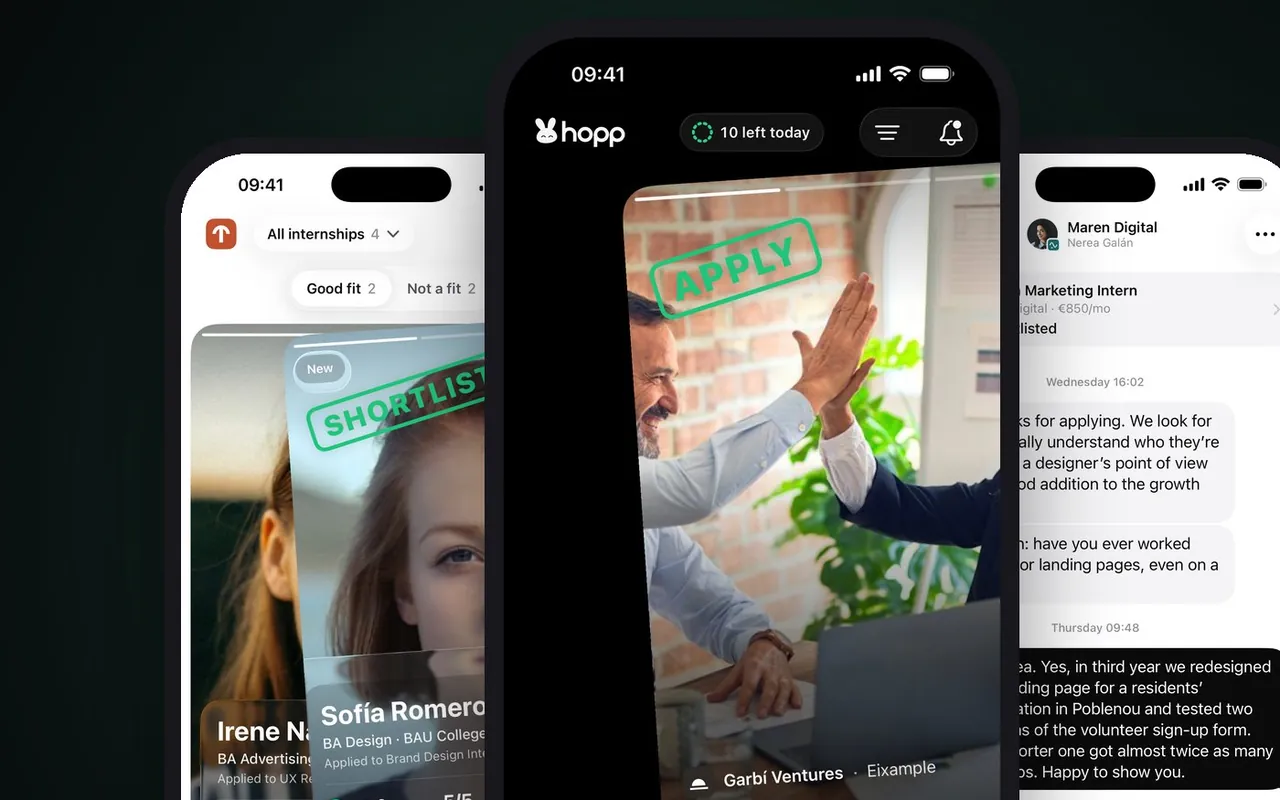
Hopp
Internships for students, one swipe away
Hopp is a native iPhone app with its own backend, submitted to the App Store in October 2026. A counting app that uses the phone camera is built with the same tools, although Hopp does not read codes.
Submitted to the App Store in October 2026
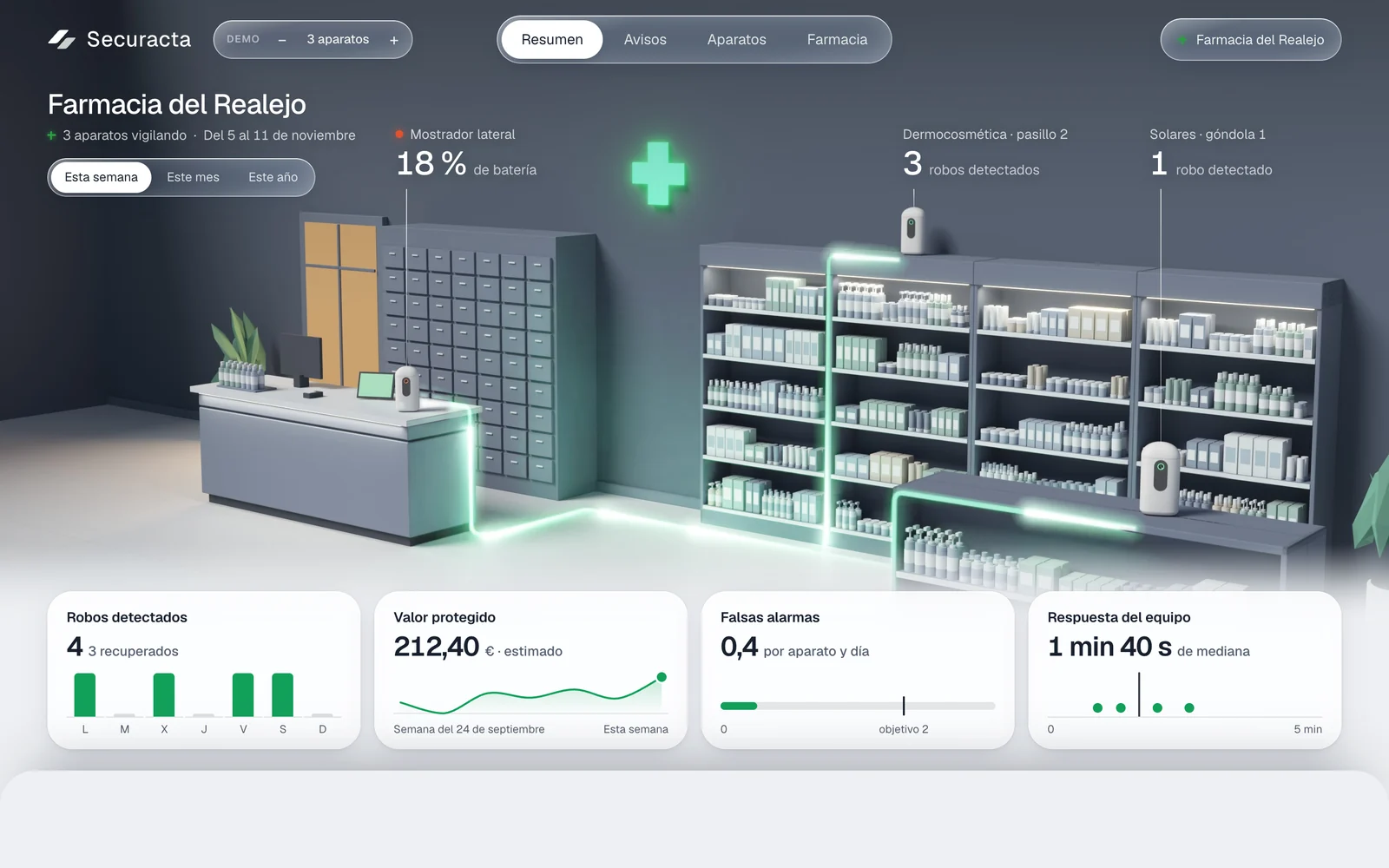
Securacta
A device that detects shoplifting in pharmacies
Securacta places camera devices on the shelves of a pharmacy and its panel shows each one in its place. It is in development and it is not an inventory system: we mention it for the experience of working with physical devices and locations. We do not yet have a published case of barcode stocktaking.
In development. The camera already recognises poses and the web panel runs on sample data; gesture detection is the next phase.
6Frequently asked questions
Do we have to buy scanners?
Not to begin with. You can trial it with phones and move to scanners or terminals if the volume calls for it. The software is designed to work with both.
Does it work without signal in the warehouse?
It can be designed so the count is stored on the device and sent when the connection returns. We check your warehouse before deciding.
Can we count by batch and expiry date?
Yes. With QR or DataMatrix the batch and expiry can be on the label itself; with linear codes the product is scanned and the batch chosen on screen.
How do adjustments reach our management software?
Once approved, they are sent to your management software as stock adjustments, if it allows that. If not, they are exported in a format it accepts.
What do we do with products that have no code?
They get a label of your own, usually Code 128 or QR, with the internal reference. It is best done at goods-in, not on the day of the count.
Let’s do a trial count
Pick one aisle in your warehouse. Counting it with you tells us which code, which device and which type of count suits you.
Tell us your problem