Backups: what 3-2-1, RPO and RTO mean for your business
Almost every company thinks it has backups until the day it needs one. These are the terms worth understanding to know whether yours would work, and the questions that settle the doubt.
1The 3-2-1 rule and where backups live
The 3-2-1 rule: three copies of the data (the original plus two), on two different media or services, with one of them away from the main site. It is an industry habit, not a legal rule, and it is still a good starting point.
A copy outside your main provider: if your software runs in one provider’s cloud, one copy should sit in another account or with another provider. If a mistake, an unpaid bill or an attack locks that account, any copy kept inside it goes down with it.
2How much you can lose and how long you can wait
RPO (recovery point objective): how much data you can afford to lose, measured in time. If the backup runs nightly and the system fails at six in the evening, the day’s work is lost. If that is unacceptable, backups must be more frequent or continuous.
RTO (recovery time objective): how long the business can be without the system before real harm is done. An online shop might cope with an hour; a payroll program, a few days outside closing dates.
Example: a warehouse that picks orders all morning may decide it cannot lose more than an hour of data and must be running again before the afternoon lorries leave. Those two figures decide how the backups are set up.
3Frequency, retention and the test hardly anyone runs
- Frequency: how often you copy. It follows from the RPO, not from habit.
- Retention: how long each copy is kept. If you only keep yesterday’s and the error began two weeks ago, the backup contains the error too.
- Test restores: actually recover a copy into a separate environment, with a date and a named person, and check the software starts with that data. A backup that has never been restored is an assumption.
4What a backup is not
A backup is not high availability. High availability keeps the system running if a machine fails; but if someone deletes a customer by mistake, that deletion is replicated instantly. A backup lets you go back in time.
Ransomware: malicious software that encrypts your data and demands a ransom. Many strains also try to encrypt any backups they find connected. The sensible defence is at least one copy that cannot be changed or deleted for a period, or that is not connected, and a proven restore.
- Ask: what are our RPO and RTO, in writing?
- Where is the copy that does not depend on our main provider?
- When was the last restore tested, and by whom?
5Our systems where this question is real

Certero
Tender intelligence for public works
It is live at certero.es and contractors use it to prepare their bids. In a system like that, how much data can be lost and how long recovery takes stop being theoretical questions. We do not publish here how its backups are set up.
Live at certero.es. Accepted into NVIDIA Inception.
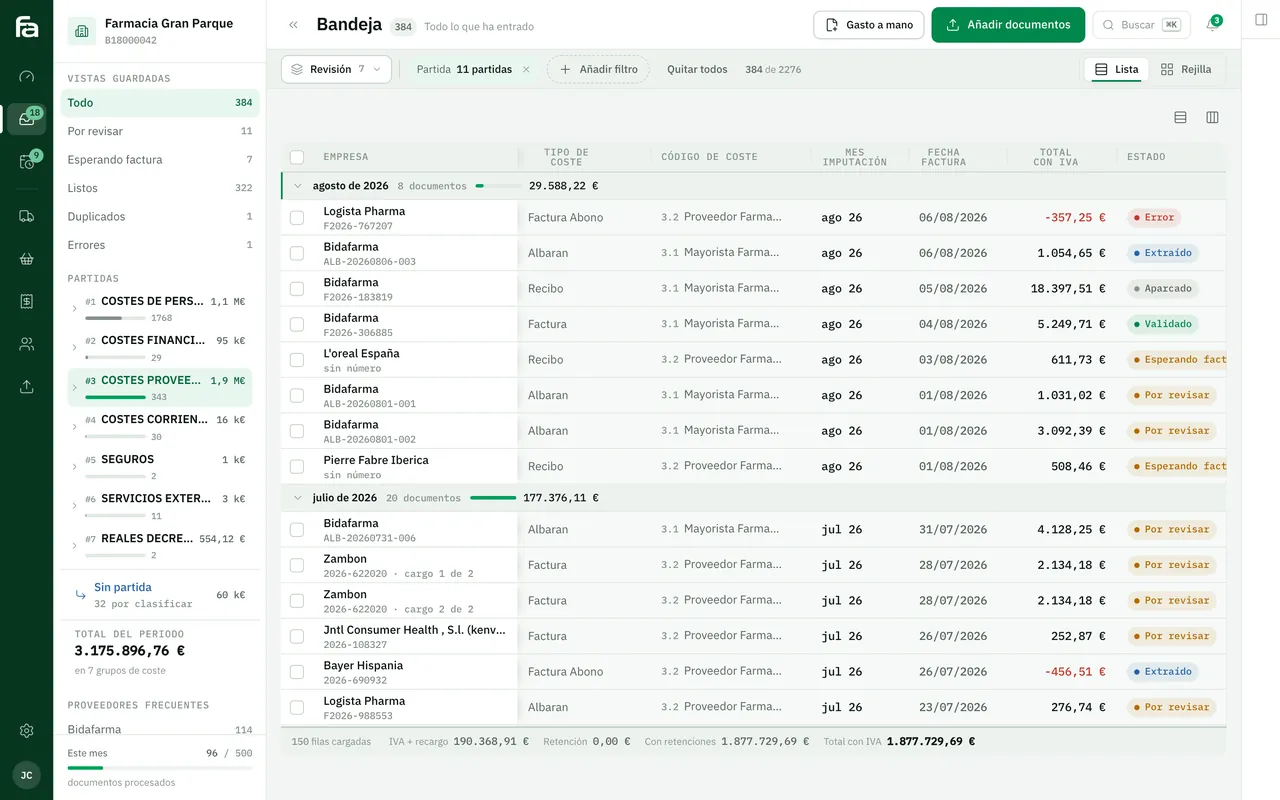
Farmacta
A pharmacy’s back office, built on its paperwork
A pharmacy’s due dates and cash flow come out of the documents it reads, so losing them means more than losing files. In use at its first pharmacy.
In use at its first pharmacy
6Frequently asked questions
My cloud provider already makes backups. Do I need more?
Probably: those copies usually live inside the same provider and the same account. It is worth having at least one outside, and knowing how long the provider keeps its own.
Is syncing a folder to the cloud a backup?
No. Syncing also copies deletions and files encrypted in an attack. It is for working from several places, not for going back in time.
How often should restores be tested?
There is no universal figure. The sensible approach is to set it in writing according to how critical the system is, and also test after every major change.
What does this have to do with data protection?
Backups hold the same personal data as the live system, with the same retention periods and the same security. Your adviser will tell you how it applies in your case.
Do you know when one of your backups was last restored?
If not, tell us which programs you use and where they run. We will tell you what we would check first.
Tell us your problem