How to migrate data from Excel or Access to a new system
Old data is almost never as clean as it looks. A good migration is rehearsed, counted and validated before the switch-over day, not after it.
11. Inventory: which files exist and which one is the master
Before moving anything, list every file that holds the data to be migrated: Excel sheets, Access databases, exports from other programs, the personal sheet someone keeps on their desktop. For each one, note who maintains it, how often it is updated and whether it is the master or a copy.
It is common to find at this stage that there are two versions of the customer list with different data. Decide which one rules before going any further; otherwise the new system inherits the doubt.
22. Clean-up: the errors that always turn up
These are the ones we see most in small-business files. It is worth looking for them deliberately:
- Dates stored as text: “3/4/24”, “03-04-2024” and “April 2024” in the same column, and some with day and month swapped.
- Spanish tax IDs (NIF and CIF) with spaces, hyphens, full stops or a lower-case letter, making one customer look like two.
- Duplicate customers: “Talleres Ejemplo SL”, “TALLERES EJEMPLO, S.L.” and “Talleres Ejemplo” with slightly different addresses.
- Merged cells and subtotal rows in the middle of the data, which break any automated reading.
- Amounts with the euro sign, with thousands separators or stored as text, and phone numbers that have lost their leading zero.
33. Keys and field mapping
Every record needs a unique, stable identifier: the cleaned tax ID for customers, the product code for items. Without it there is no reliable way to link orders to customers or to know whether a record has already been migrated.
Next comes the mapping table: each source column, which field in the new system it goes to, what transformation it needs and what happens if it is empty. It is a simple document, and it is where the important decisions are made. For example, whether “Address” is split into street, postcode and town, or whether a status typed by hand becomes a fixed list.
44. Rehearse, count and validate
The first migration is always a trial, run on a copy in an environment nobody uses for real work. It is repeated as many times as needed until it comes out clean.
- Counts: how many customers, orders or items there were in the source and how many there are in the destination. If they do not match, you must know exactly why.
- Control totals: total invoiced per year or total stock, before and after.
- Samples: someone who knows the data opens twenty or so records at random and compares them with the original, including the oldest and the oddest.
- A rejects report: which rows did not go in and why, so they can be fixed at source or deliberately left out.
55. Running side by side, the cut-over date and what stays behind
Set a cut-over date: from that day, new data is recorded only in the new system. Until then both can coexist, but only one is the master at any moment; working in parallel in both for weeks creates differences that can never be reconciled.
Not everything deserves migrating. Customers with no activity for years, columns nobody uses or history that is only looked at occasionally can stay in a read-only archive. Always keep a complete copy of the source exactly as it was on cut-over day.
6Where we have had to clean data before using it
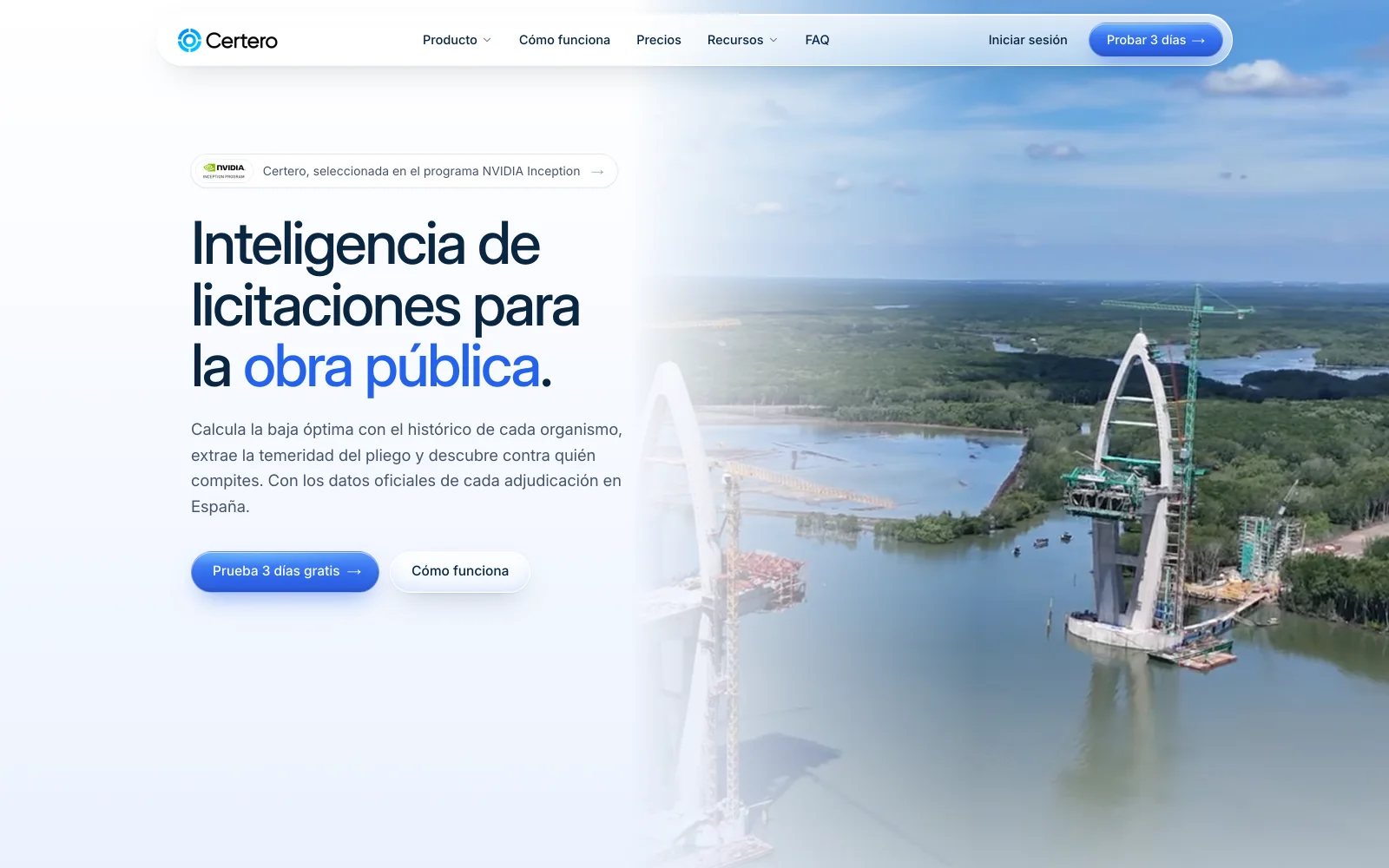
Certero
Tender intelligence for public works
The tender history Certero uses comes from public sources in mixed formats and is cleaned before it is any use. It is not a migration from Excel, but the problems are the same: dates, amounts and company names written a hundred different ways. Live at certero.es.
Live at certero.es. Accepted into NVIDIA Inception.
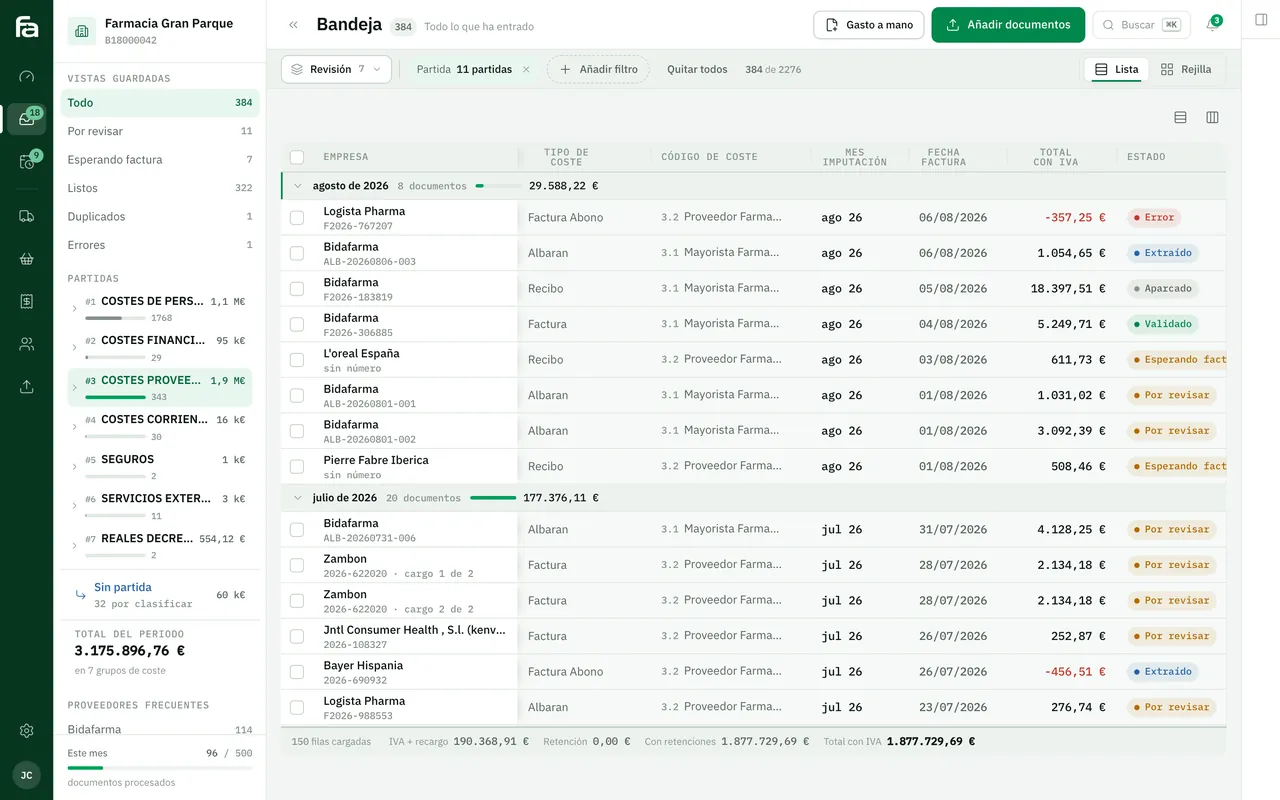
Farmacta
A pharmacy’s back office, built on its paperwork
Farmacta reads delivery notes and invoices from wholesalers and laboratories as PDFs and leaves the data ready for a person to review before it is accepted. The similarity is partial: the data comes from documents, not a spreadsheet. In use at its first pharmacy.
In use at its first pharmacy
7Frequently asked questions
Can I clean the data myself before the migration?
Yes, and it helps a great deal with what only you can resolve, such as deciding which of two duplicate customers is the right one. The mechanical part (date formats, spaces in tax IDs) is safer done with rules that can be repeated.
What happens to data that does not fit the new system?
It is listed in the rejects report and decided on one by one or in groups: fix it at source, load it with a default value or leave it in the read-only archive.
Can you migrate from an old Access database?
Usually, yes. Access stores tables and relationships, which often makes keys easier. What needs checking is the queries and macros, because that is often where business rules live that nobody has written down anywhere else.
How many trial migrations are needed?
As many as it takes for the counts to match and the samples to come out right. Typically the first one uncovers problems and the following ones confirm they are fixed.
Is your data spread across several sheets?
Send us an anonymised copy and the list of files, and we will tell you which problems we see before discussing anything else.
Tell us your problem